Still in alpha on PCs and 2-in-1s
We are still shaping how Term works with a free window, a mouse and a hardware keyboard, and some things will be rough. If something looks wrong or gets in your way, please tell us in Settings › Account › Feedback & suggestions — a sentence and a screenshot is plenty. Tablets get these changes too.
Settings open where you click
Tap a setting with a value — Theme, Frame rate, Terminal font size, a timeout — and its options open right under the value, sized to fit. The current choice has a blue check. Pick one and the menu closes; tap anywhere else (or press Esc) to leave it as it was.
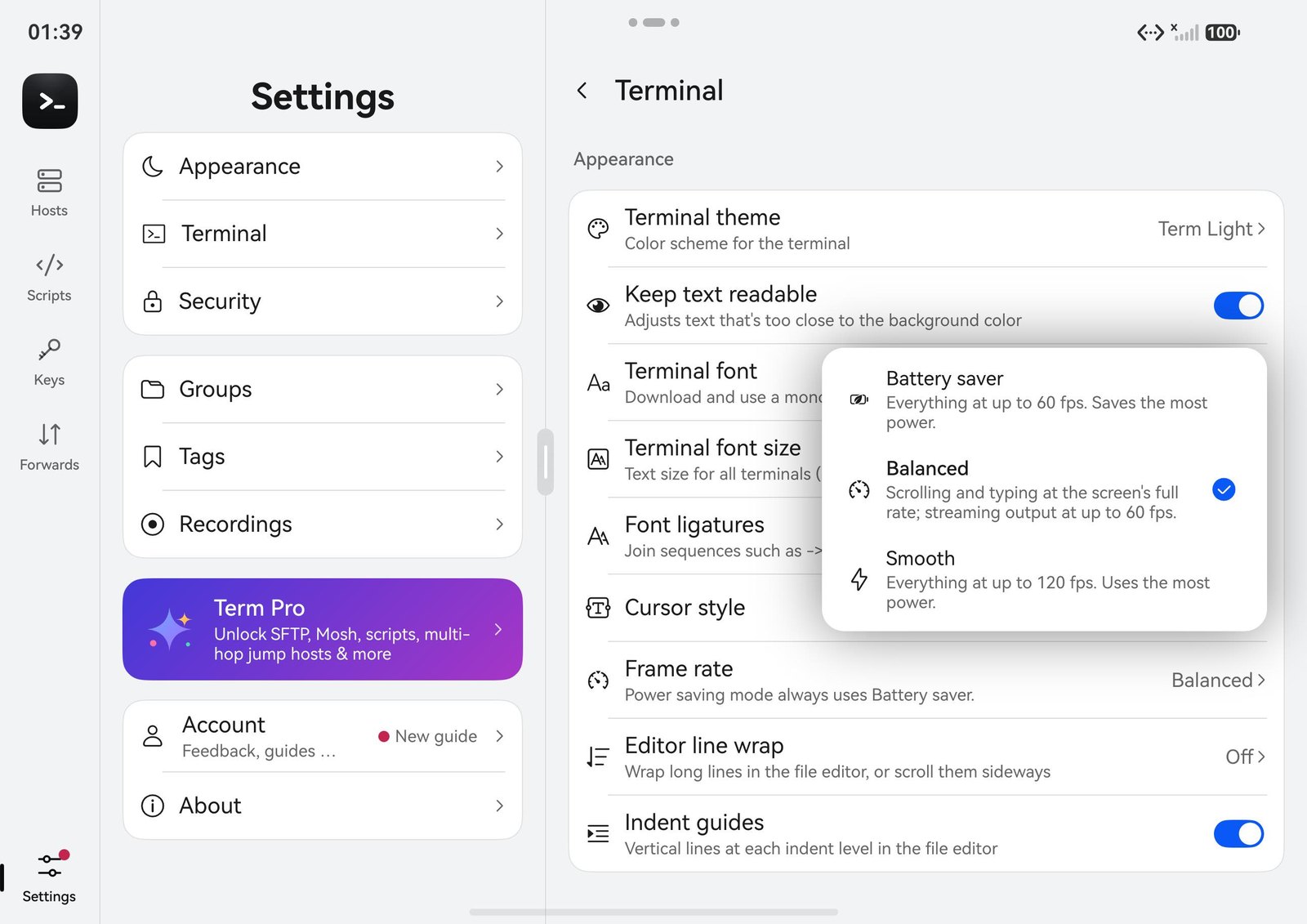
Font size and cursor style open the same way, with their live preview inside the menu, so you can try a few sizes before you close it.
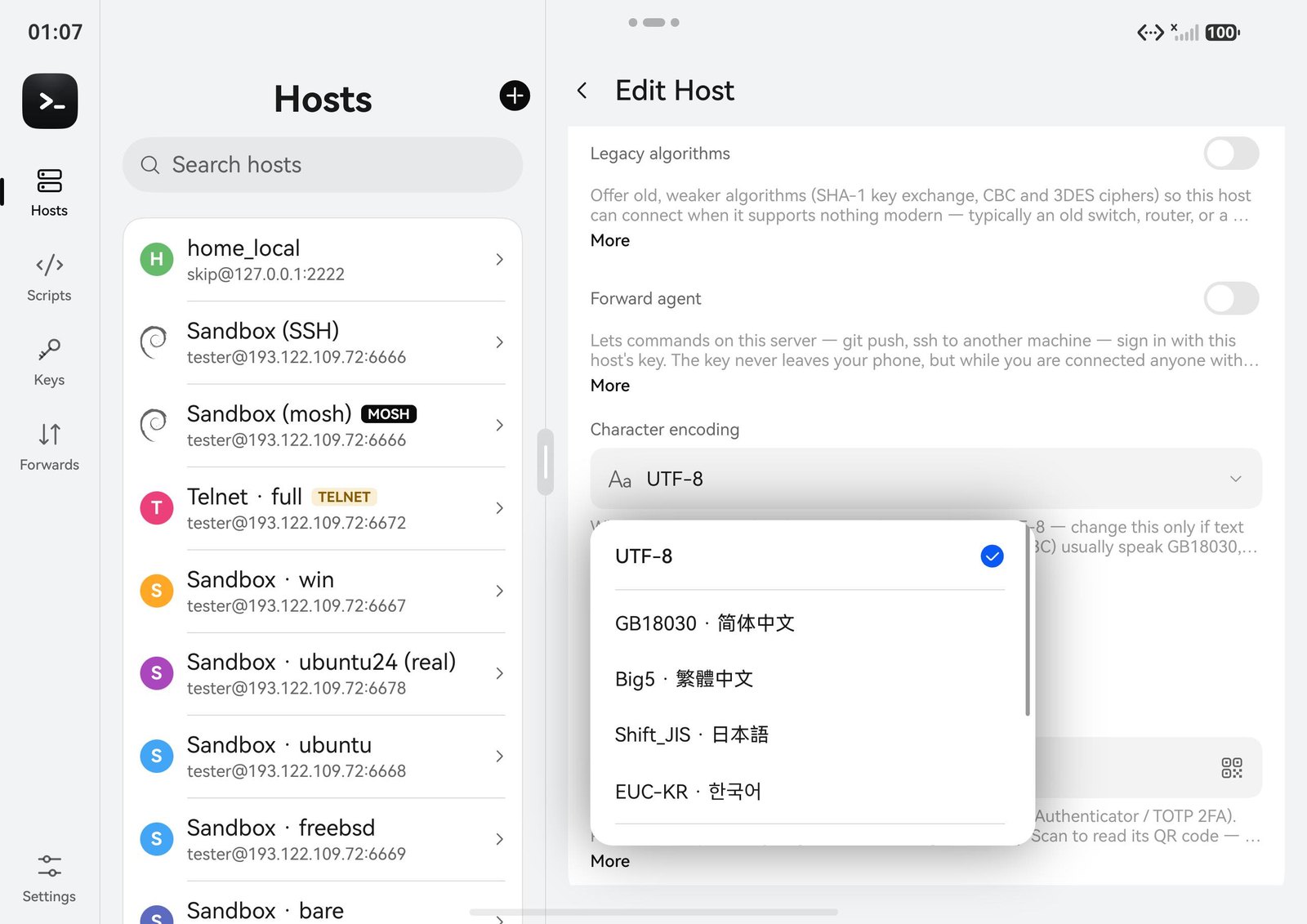
Host fields: encoding, group, key and startup script
In the host editor, the fields you pick from open as menus under the field. The longer ones have a search box at the top, and a + New group / New key / New script row at the end: create one and it is filled in for you. The startup-script menu opens the folder of the current script, so you can see what is selected.
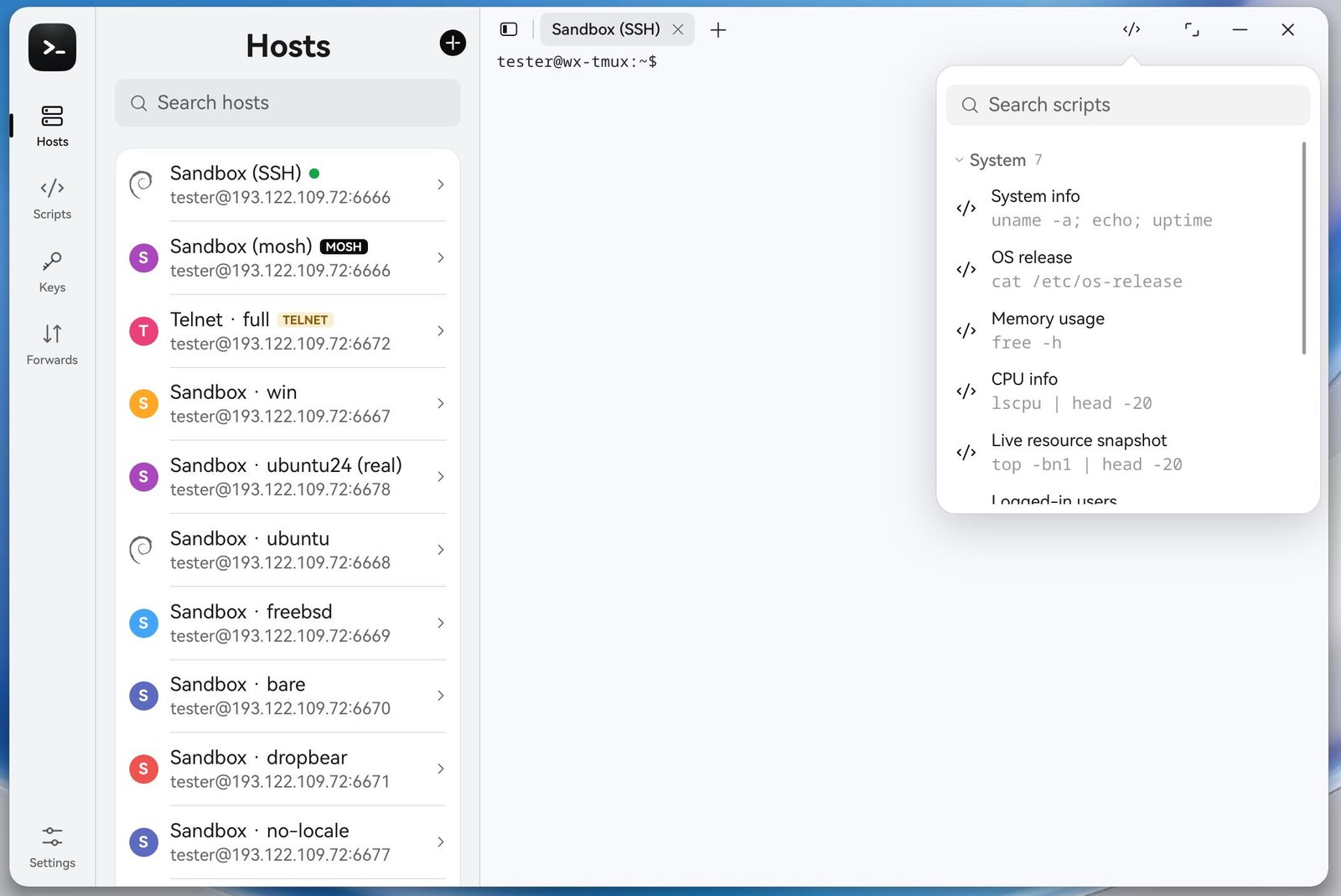
Run a script from the terminal
The </> button above the terminal opens your scripts in one panel: search at the top, and each folder as a thin header you can open and close. Type a few letters to narrow it down, then click a script to run it in the current tab. With a hardware keyboard, your typing goes into the search box, not the terminal.
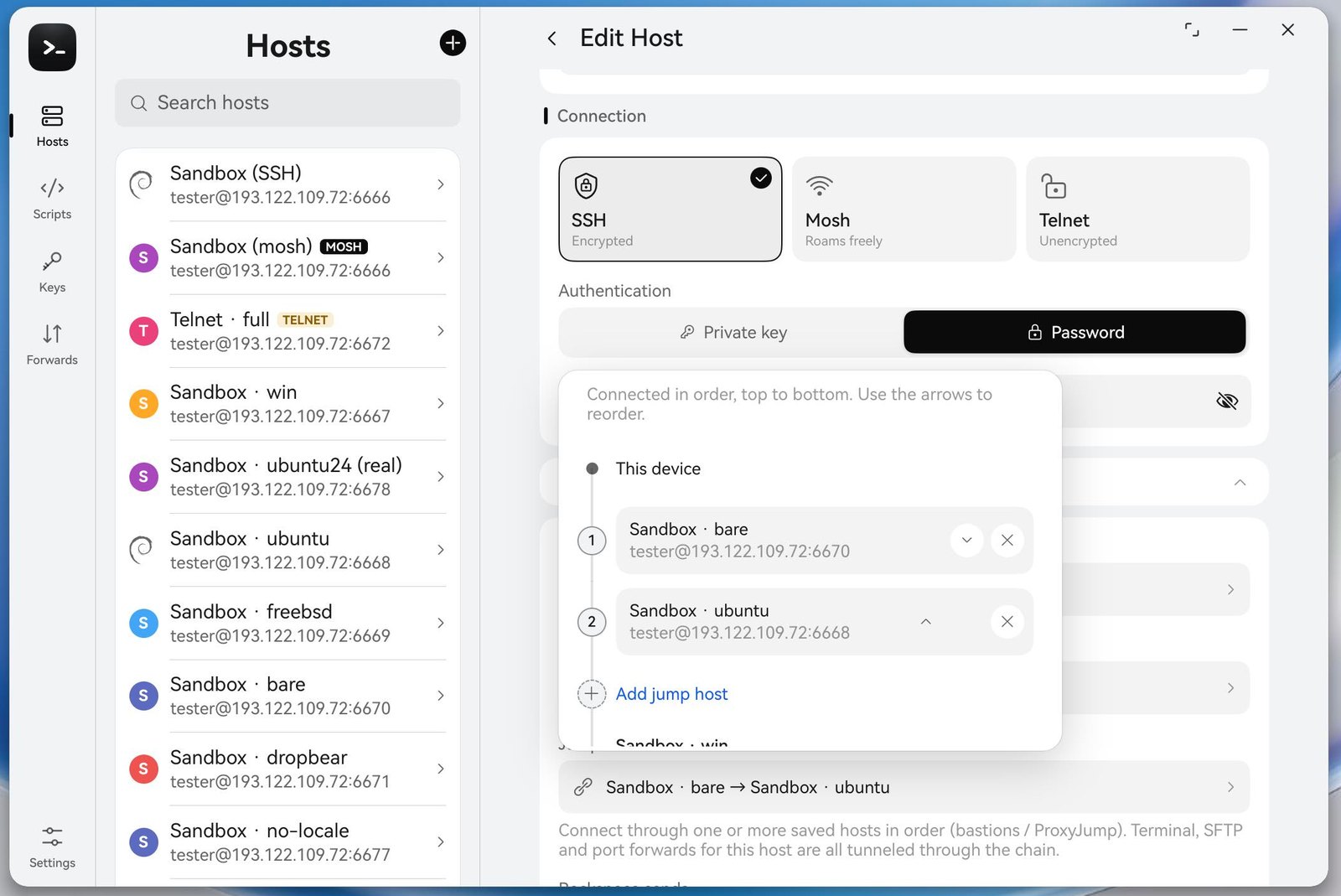
Reorder jump hosts with a mouse
Jump hosts now open as a panel under the Jump host field. Each hop has ↑ and ↓ buttons, and right-clicking a hop gives Move up, Move down and Remove. On a touch screen, long-press and drag still works. More about chains in Jump hosts.
Phones stay the same
On a phone, and on a fold or tablet narrower than the two-column layout, these choices still open as full screens, with room for your thumb.
Keyboard
Esc closes a menu. If its search box has the cursor, the first Esc leaves the search and the second closes the menu.
Related: A roomier Term on PCs and 2-in-1s · Term on PCs and 2-in-1s