The same Term, on a bigger screen
Install Term from AppGallery on your HarmonyOS PC or 2-in-1, the same way you would on a phone. Your hosts list sits beside the terminal, so you can open a host and keep the rest in view. A keyboard, mouse and touchpad work the way you expect — see Keyboard and touchpad and Copy and paste in the terminal.
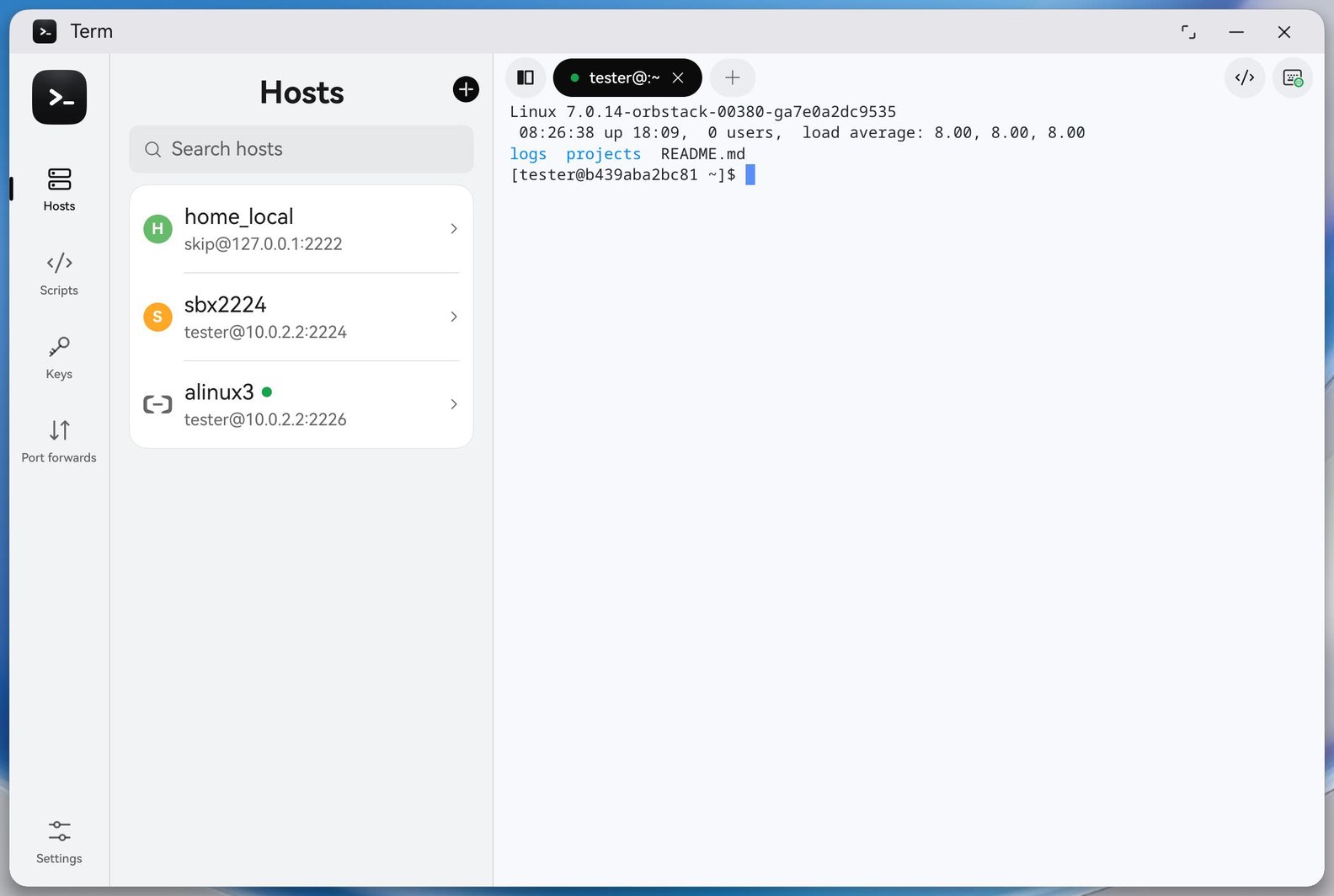
Minimise it — your sessions keep running
On a phone, leaving Term for more than about a minute and a half can end an SSH session. On a PC or 2-in-1 it doesn't: minimise Term, switch to other windows, and the session is still there when you come back, right where you left it. A long build, a log you are watching, a coding agent at work — they all carry on.
While Term is minimised with a session open, a notification from Term says a task is in progress. That is what keeps your sessions running.
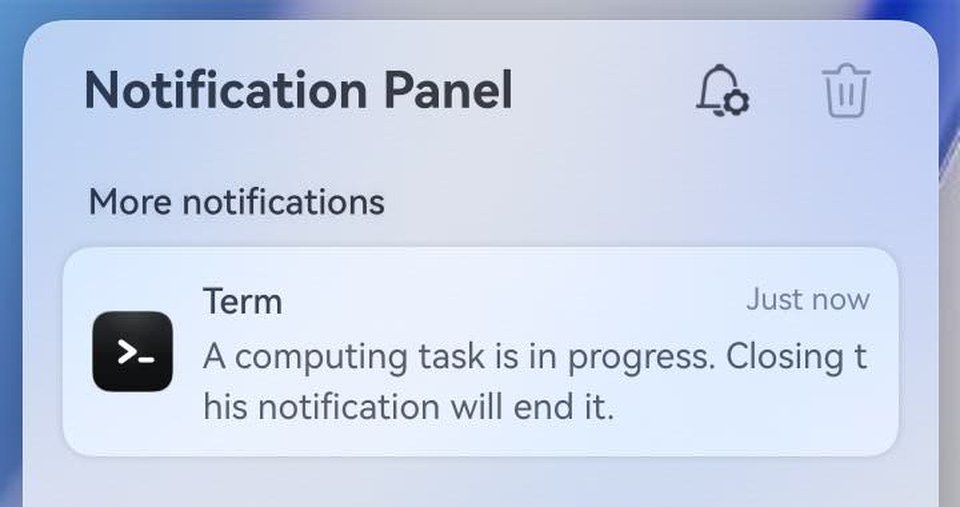
Leave the notification alone. Closing it lets the system pause Term, and a paused SSH session can drop. It goes away by itself when you open Term again, and it only appears when there is a session to keep.
It is a beta
We have tested it, but not yet on every PC and 2-in-1. If a session drops while Term is minimised, tell us from Settings › Account › Feedback & suggestions — the model and how long Term was minimised help most.
A network change still ends a plain SSH session
Moving to a different Wi-Fi network, or the computer going to sleep, can still cut an SSH connection, as on any computer. For sessions that must survive that, use mosh, or run your work in tmux so you can pick it up again.