The gesture
Slide left or right anywhere across the keyboard — the whole key area is the track. There is nothing to press first and no key to aim at: start sliding, the letters blank out, and the cursor moves with your finger.
Reach the edge and do not lift. Hold your finger at the far left or far right of the keyboard and the cursor keeps travelling that way on its own until you let go. That is how you get to the other end of a long command, instead of sliding a dozen times.
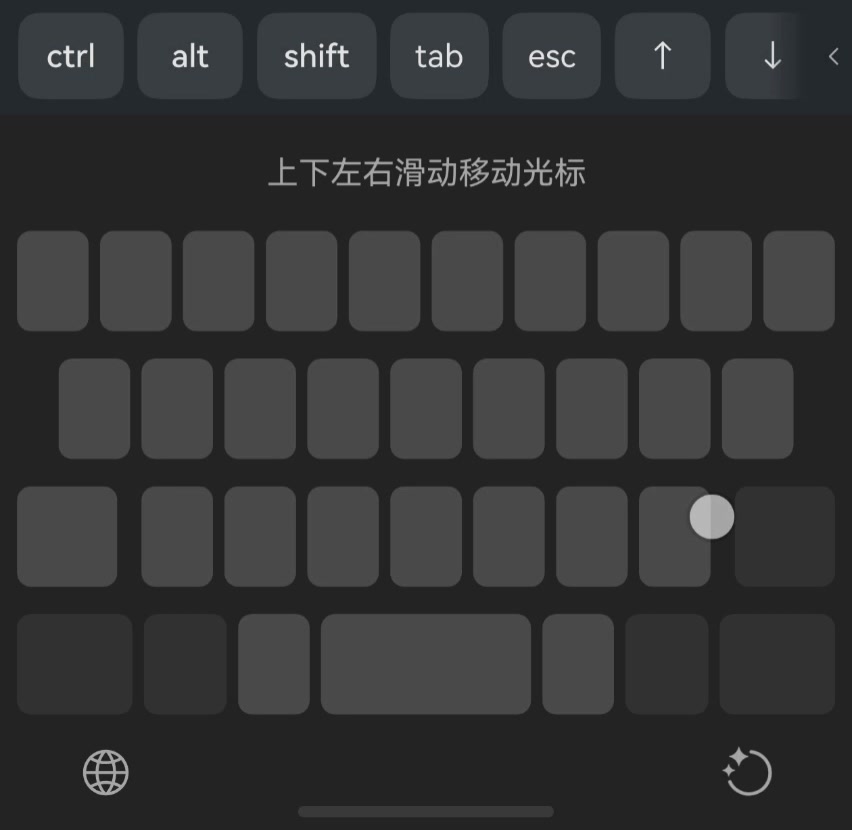
The gesture belongs to your keyboard, not to Term — the blank track is drawn by the keyboard that ships with HarmonyOS. Term’s side is answering it, and that is what changed in v26.1.3: before then the gesture ran, blanked the keys, and moved nothing.
Where the cursor goes
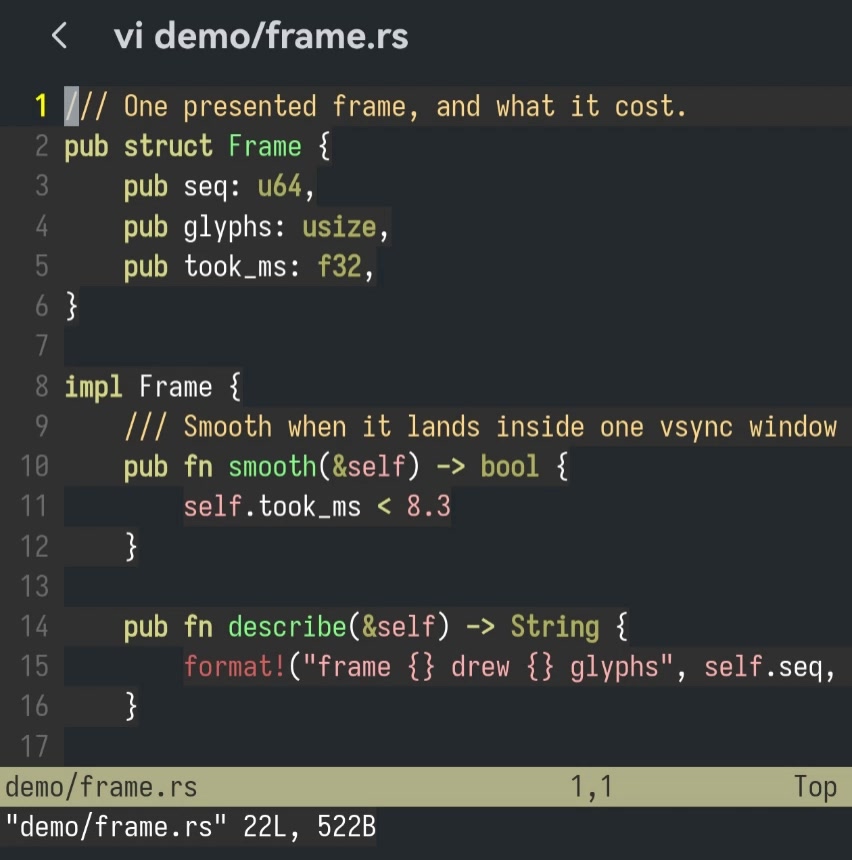
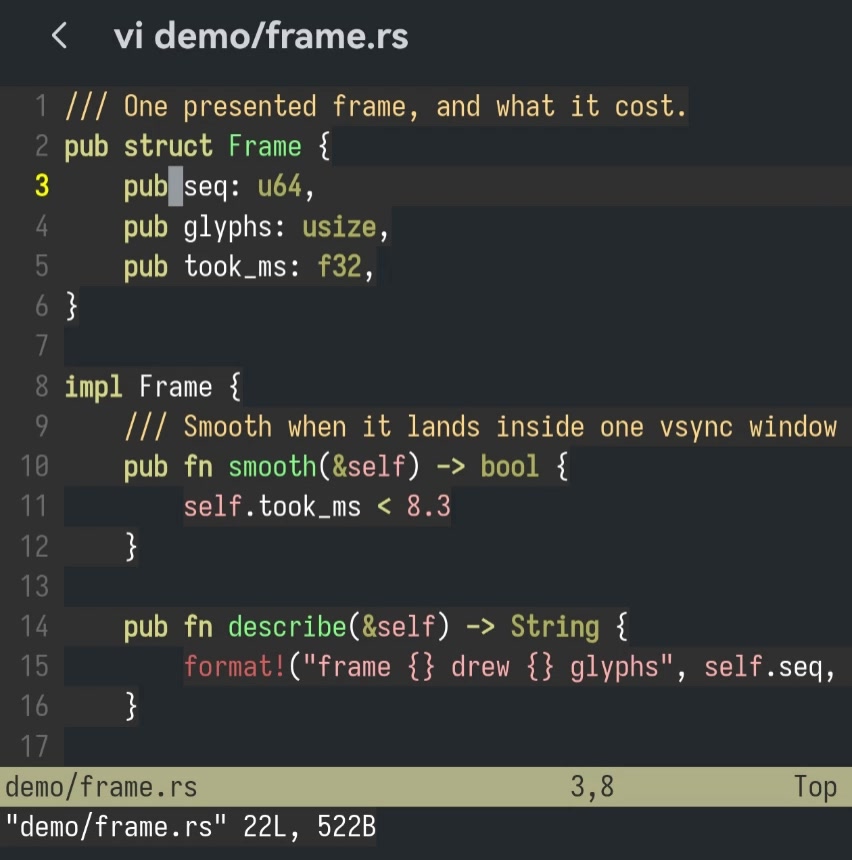
Sliding right walks the cursor forward through the text and left walks it back, a character at a time. That is the one you will use most: a long command with a typo near the middle takes a moment to fix instead of a retype.
Worth knowing
It works wherever the arrow keys work, because arrow keys are what Term sends. The shell, vi, nano, less, a menu — all fine. A program that ignores the arrows ignores this too.
The keyboard’s hint offers up and down as well. Watch those at a shell prompt: up and down there are your command history rather than lines, exactly as if you had pressed the up arrow. Inside an editor they move between lines, as you would expect.
A very large jump does nothing rather than something wrong. Some keyboards put “select all” or “jump to the start” on the same gesture, and Term holds no copy of your text to select — so anything past the range of a real slide is dropped instead of being turned into two hundred key presses.
For one or two characters the arrow keys on the key bar above the keyboard are still the shorter trip, and they repeat when held. Sliding wins once you are going further than that.