What herdr is
herdr is a terminal workspace manager, built for running coding agents. Like tmux, it runs on the server and keeps going when you disconnect. It organises your work in three levels:
- Workspaces — one per project or machine.
- Tabs inside a workspace — one per job: a shell, a monitor, a log, an editor, an agent.
- Panes inside a tab, when you want two things on screen at once.
It also watches the coding agents running in its panes (pi, Claude Code, Codex and others) and shows whether each one is working, done, or waiting for you.
Install it on the server, then run herdr:
curl -fsSL https://herdr.dev/install.sh | shThe key bar becomes a herdr bar
Run herdr and the row above the keyboard switches to herdr's keys on its own, the same way it does for tmux. Swipe the bar sideways to reach them.
prod-web), the tab you are on, and how many there are.esc^B↑↓←→ ^Bg^Bz^Bc^Bn^Bp ^Bv^B-^Bx^Bw^Bq ^C^R herdr uses ctrl+b as its prefix, like tmux, but several keys after it mean something different — which is why Term gives herdr its own bar instead of reusing the tmux one. ^Bg is goto, ^Bc a new tab, ^Bn and ^Bp the next and previous tab, ^Bv and ^B- split right and down, ^Bz zoom, ^Bx close the pane, ^Bw the workspaces, and ^Bq detach. In tmux ^Bd detaches; in herdr it does not.
A tab for each job
Give every long-running thing its own tab: a monitor, a log, an editor, an agent. Each tab gets the full screen, which on a phone is usually what you want.
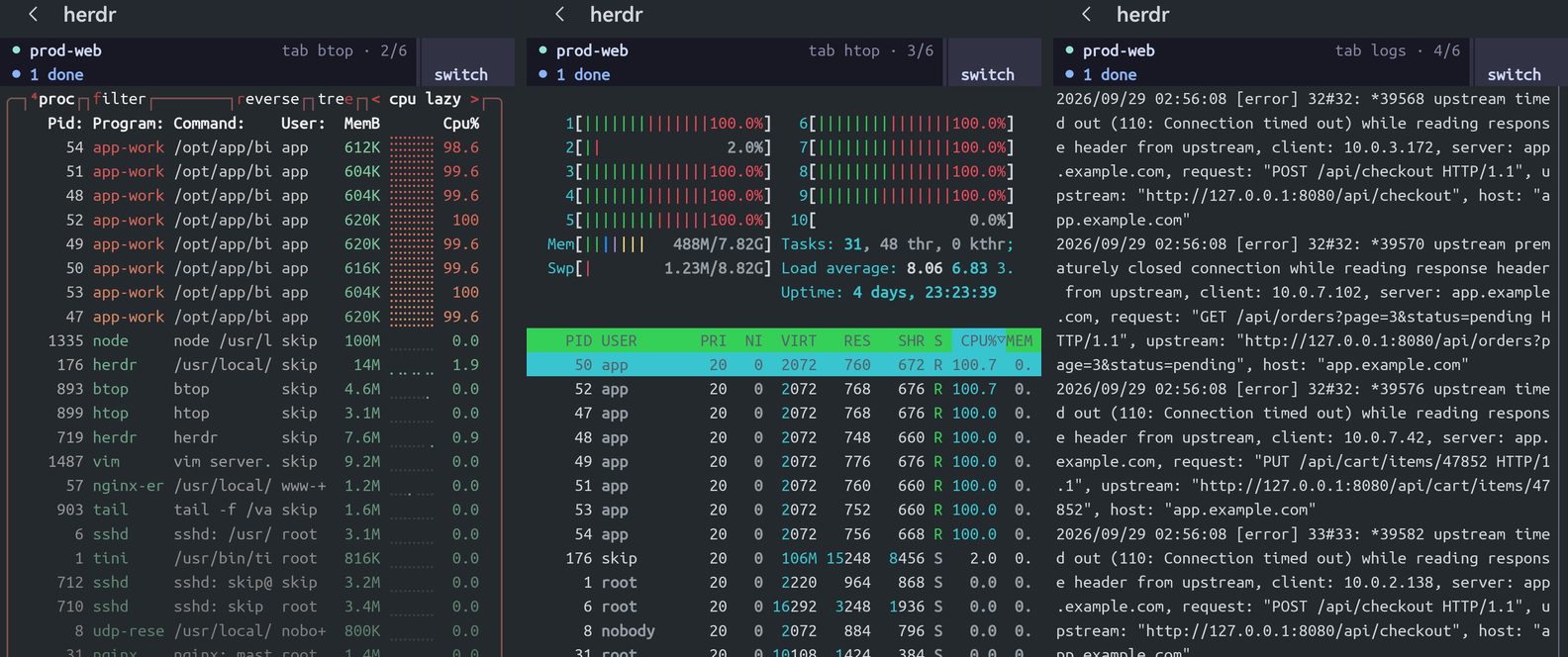
tab btop · 2/6, 3/6, 4/6 — six tabs, one session.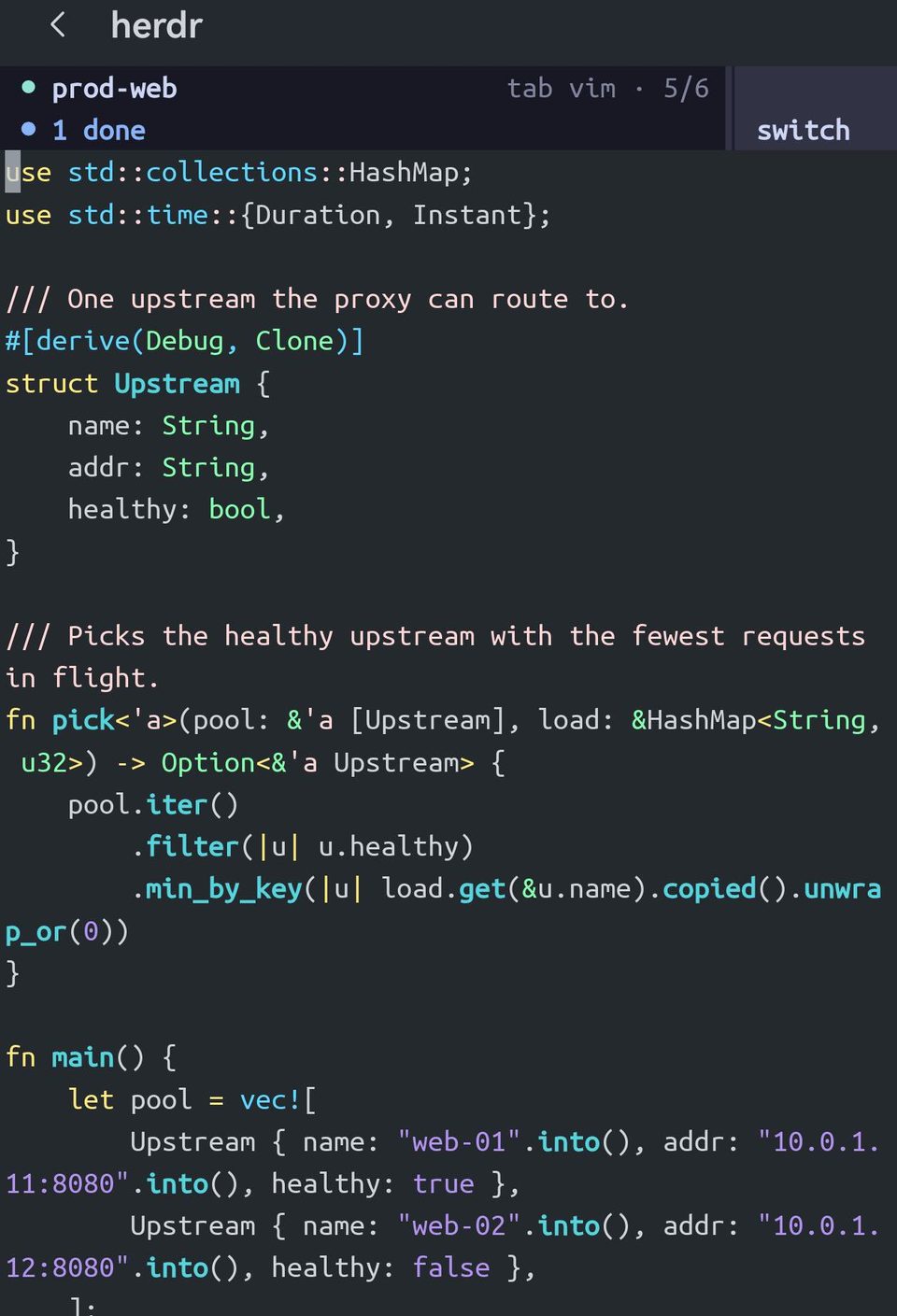
Jump anywhere with ^Bg
^Bg opens herdr's goto picker: every workspace, tab and pane as a tree. Move with the arrows on the bar and press Enter. With six tabs it is one chord instead of tapping ^Bn five times.
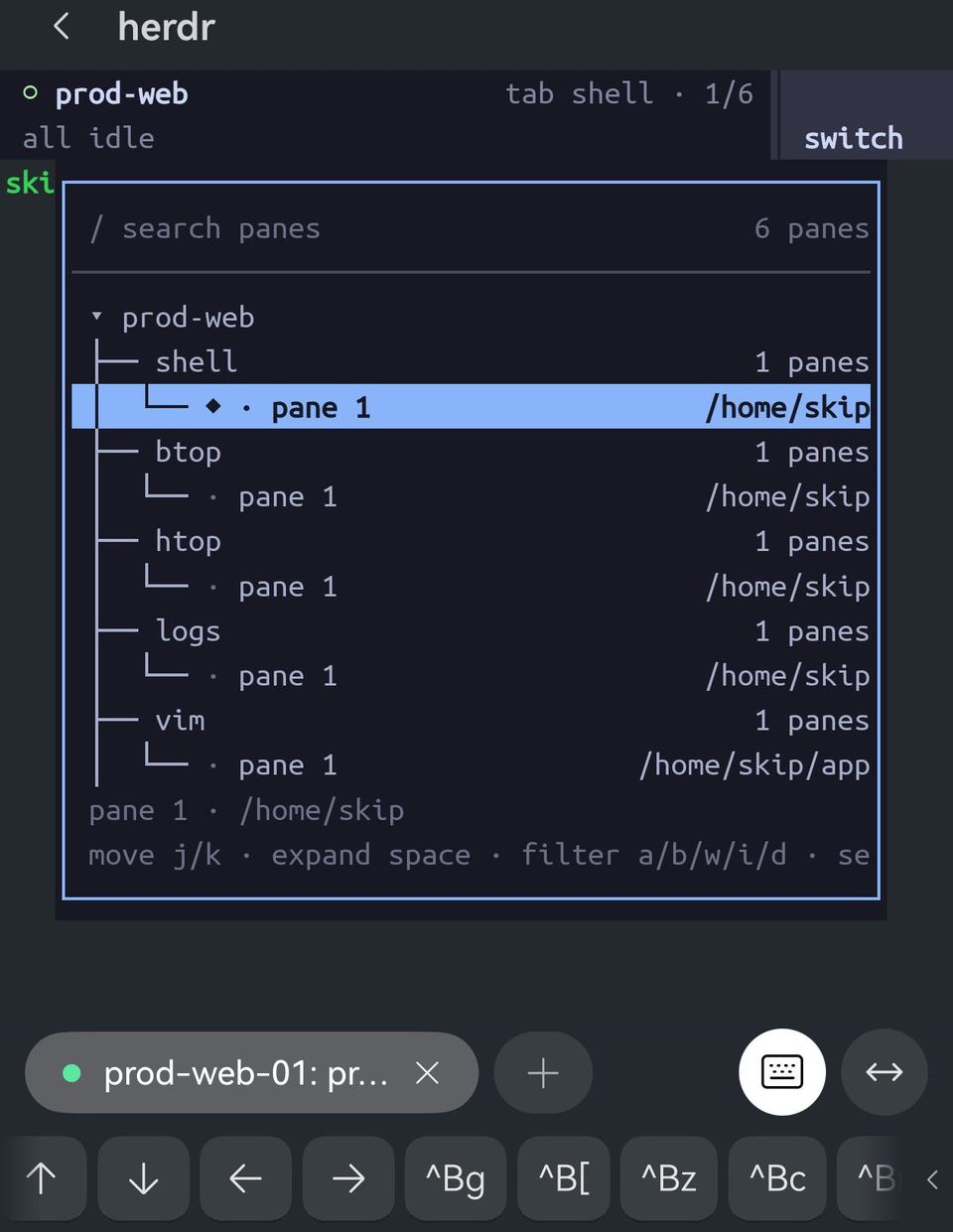
^Bg — every tab and pane in the workspace, with its directory. Pick one and you are there.Splits, and zoom
^B- splits the tab into a top and a bottom pane; ^Bv splits it left and right. On a phone, prefer down: a side-by-side split halves the width, and most output wraps badly in half of a phone's columns.
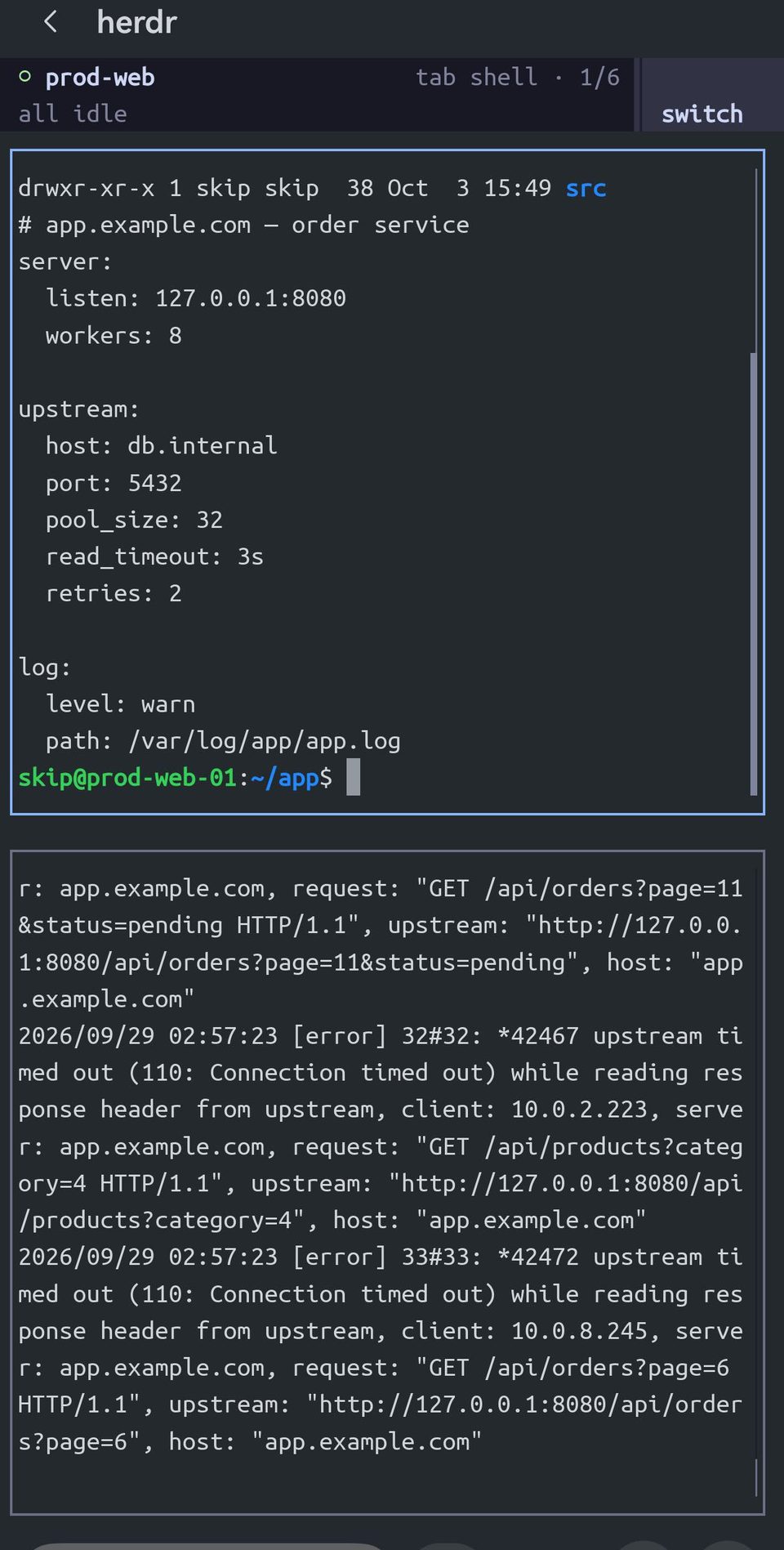
^B- — the shell on top, the log below. The highlighted border shows which pane your typing goes to.^Bz zooms the focused pane to fill the tab and leaves the layout alone; ^Bz again puts it back.
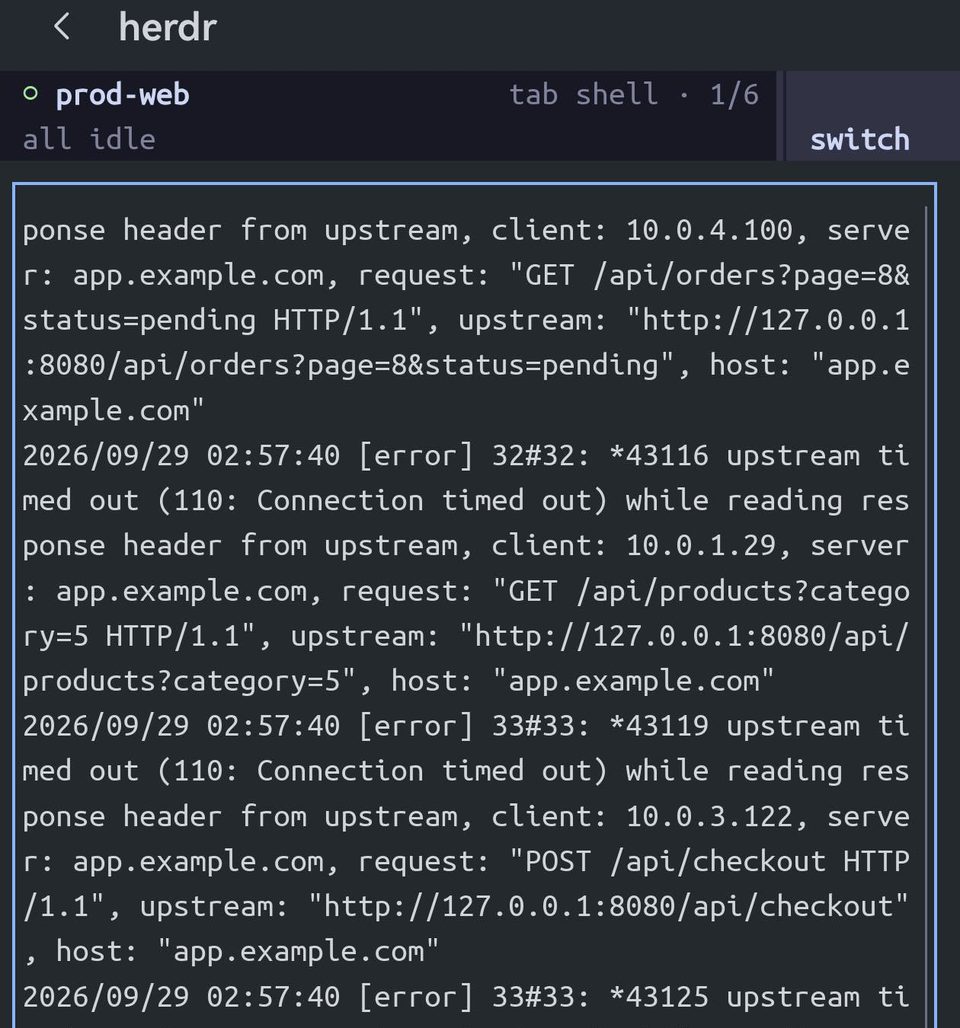
^Bz — the log pane gets the whole screen. The split is still there when you unzoom.Tap it
herdr is built for a mouse, and Term passes your taps to it as clicks. Tap switch at the top right and herdr opens its menu: your agents, your workspaces, your tabs, and actions like detach. Tap a tab to go to it.
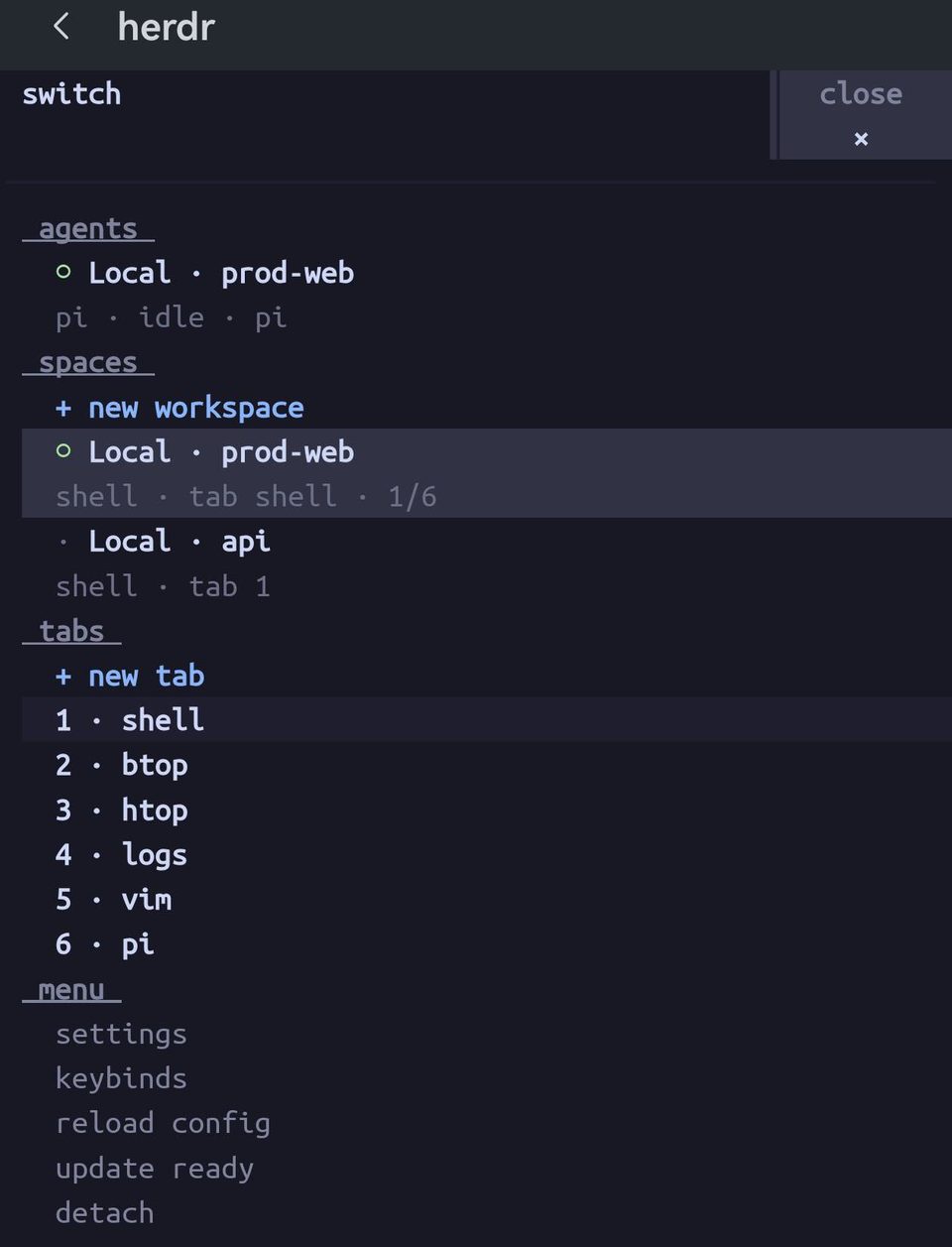
With a mouse
With a mouse or a keyboard case with a trackpad, herdr works as it does on a desktop. Right-click a pane for its menu; drag the border between two panes to resize them; click a pane to focus it.
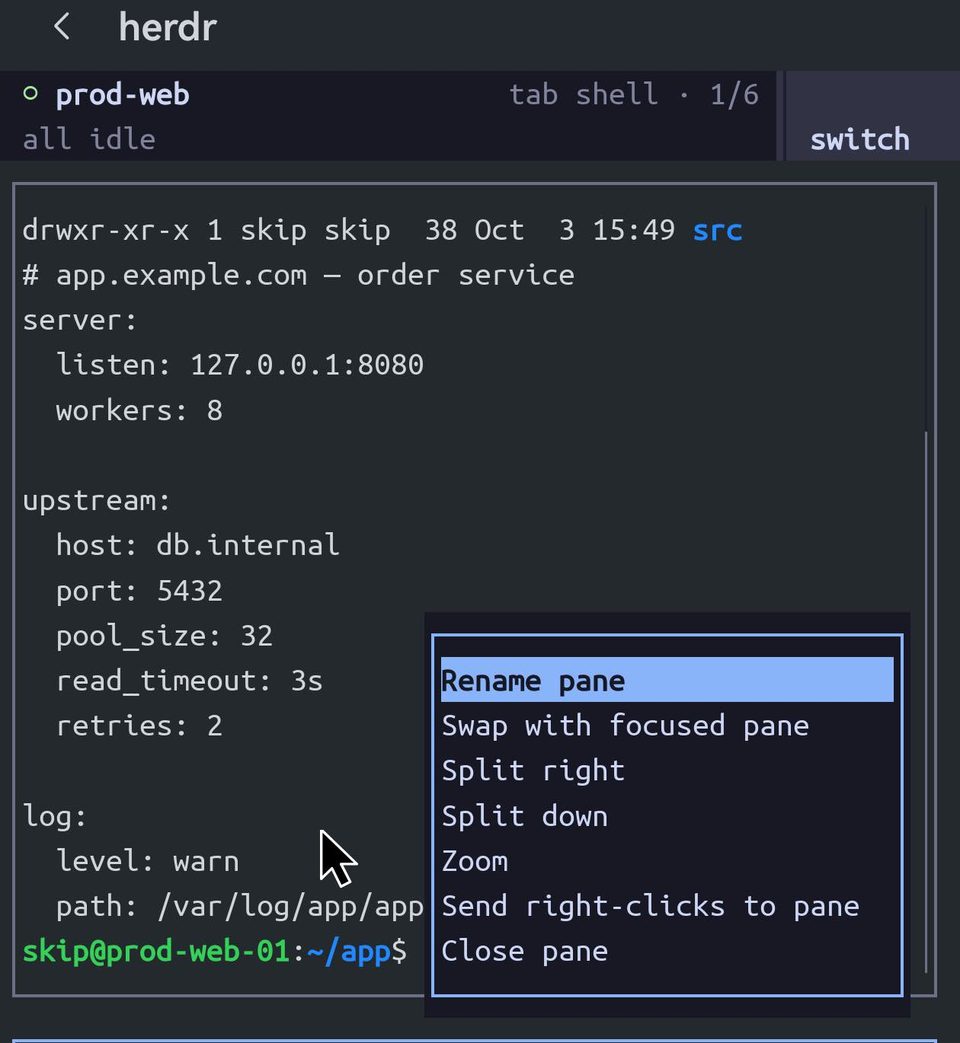
A program that uses the mouse owns your clicks, so a plain click on a link goes to herdr. Ctrl+click a link to open it in Term.
Coding agents
herdr recognises coding agents running in its panes and reports their state along the top: 1 working, 1 done, all idle. The switch screen lists them under agents, so you can see which one needs you without opening each tab.
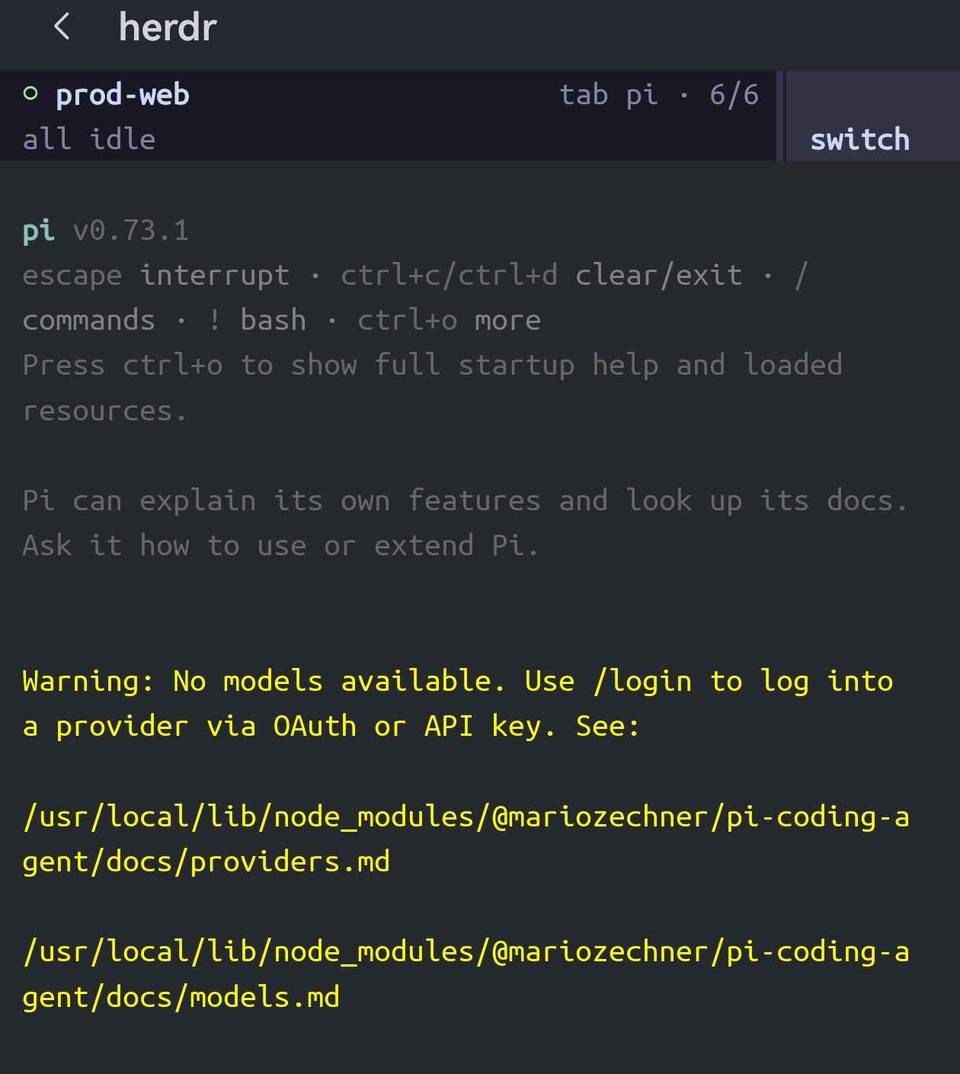
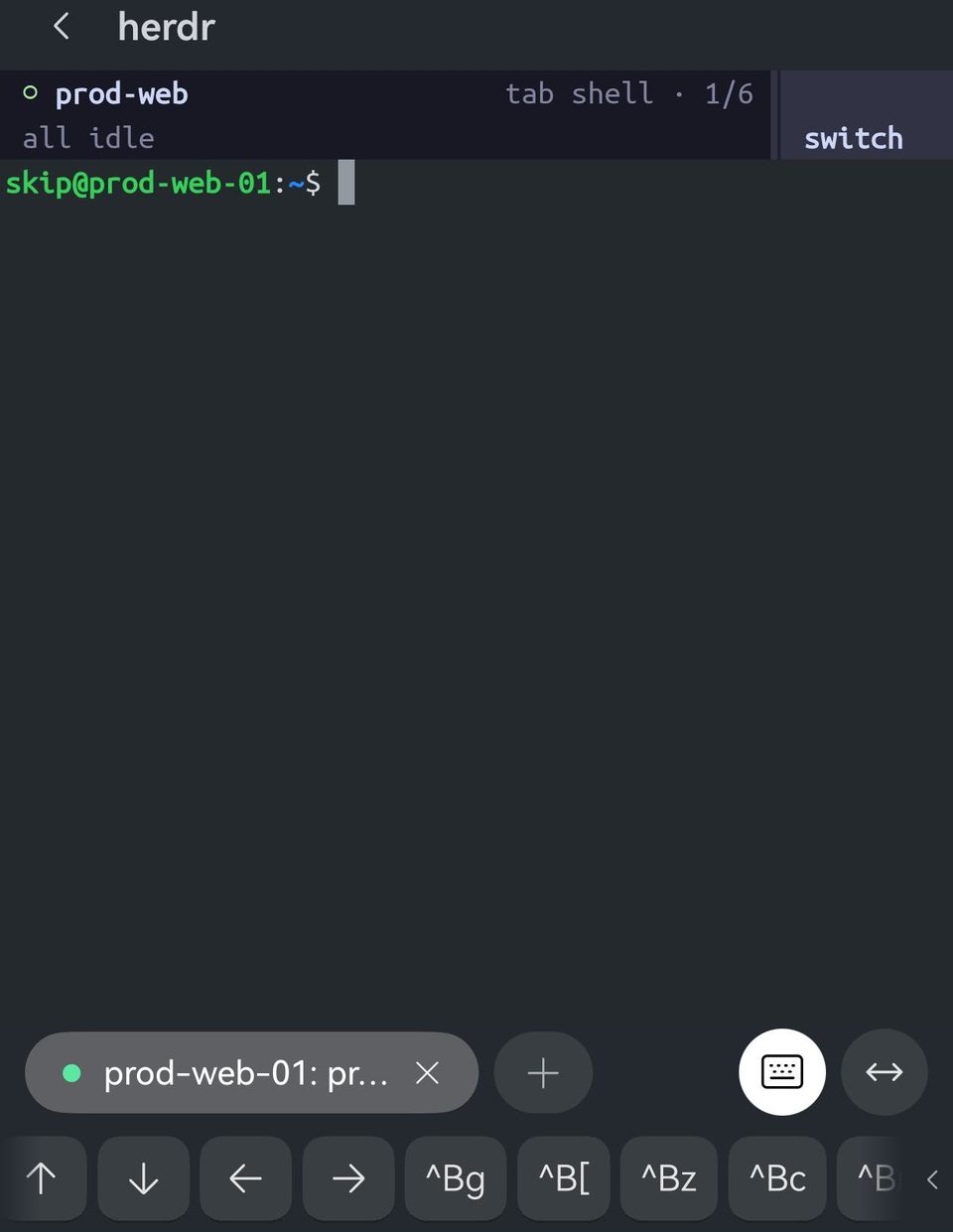
all idle — nothing is working, and nothing is waiting for an answer.For more than the state — such as restoring an agent's conversation when a pane restarts — install herdr's integration for that agent: herdr integration install pi, or open herdr's settings.
Detach, and come back
Detach with ^Bq, or switch → detach. You are back at your shell, and everything in herdr keeps running on the server.

Run herdr again and you are back where you left off — the same tab, the same scroll position, the same agent mid-task. This is what makes herdr worth it on a phone: Term keeps a backgrounded session for about 90 seconds, and when HarmonyOS closes the connection, nothing in herdr notices.
Start in herdr every time
Set the host's Startup script to herdr (Edit host → Advanced options) and every connection opens straight into your session. Turn on Auto-resume sessions on the same page and a connection that drops reconnects into herdr when you come back to Term. Startup scripts are part of Term Pro.
Over mosh, the bar stays on the shell keys
Term learns that herdr is running from the command your shell reports, and a mosh session does not report commands that way. herdr works the same; you just press ctrl, then b, then the key. Over SSH the herdr bar appears by itself.