Pin the UDP ports, decide how long a detached session waits for you, and run a script before the shell starts.
Pin the UDP ports
Leave UDP port or range (optional) empty and mosh-server picks a port for itself, anywhere in its own default 60000–61000. That is fine until you are on a network that opens only a few UDP ports — then the sign-in succeeds over SSH and the datagrams never arrive.
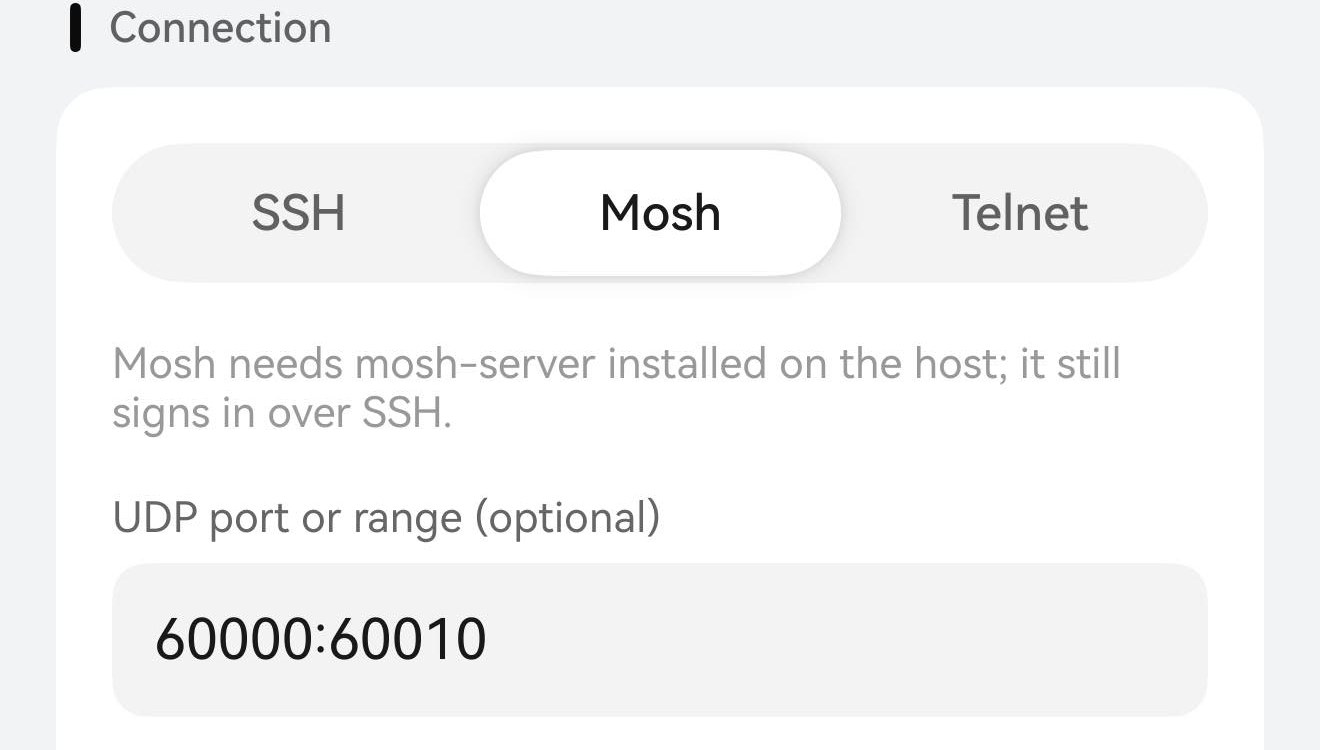
Fill the field in and Term hands it straight to mosh-server -p: a single port (60000) or a range (60000:61000). Put in the ports your firewall actually allows and the server stays inside them. The field is in the host editor under Connection, and only appears once the transport is Mosh.
Connection · Mosh — the UDP port or range (optional) field holding 60000:60010, eleven ports for this host. The line above it is the app’s own hint: the host needs mosh-server, and the sign-in still happens over SSH.
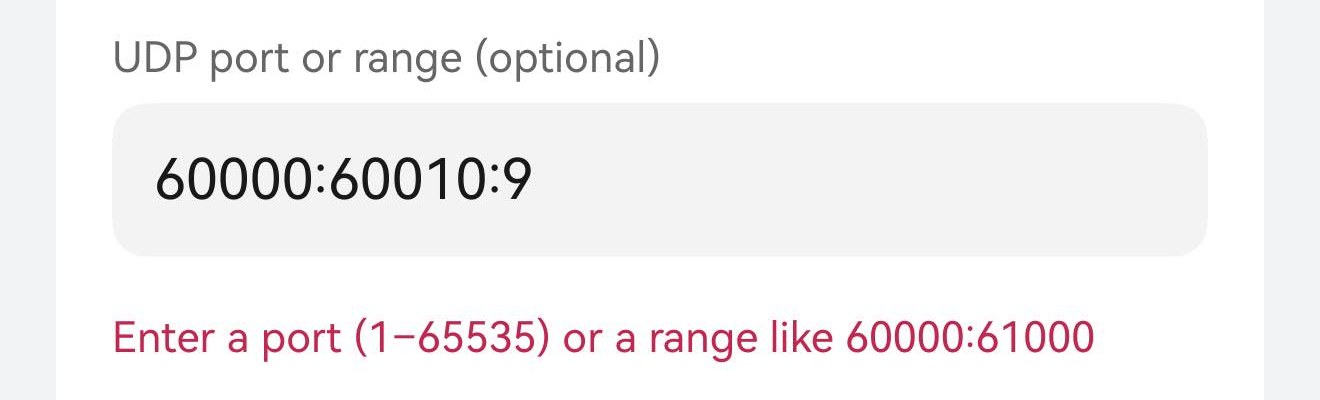
Both ends have to be a port between 1 and 65535, and the low one cannot be above the high one. Anything else is caught on the spot: the field answers underneath, and the host will not save until it is corrected or emptied.
Caught on the spot — 60000:60010:9 is not a range, so the field answers "Enter a port (1–65535) or a range like 60000:61000". Saving stays blocked until it is a port, a range, or empty.
How long a detached session waits
A mosh session outlives the app: close Term, lose the network, put the phone away, and mosh-server is still on the host waiting for the client to come back. That is the whole point of mosh — and it is also how a host collects a row of forgotten mosh-servers nobody will ever reconnect to.
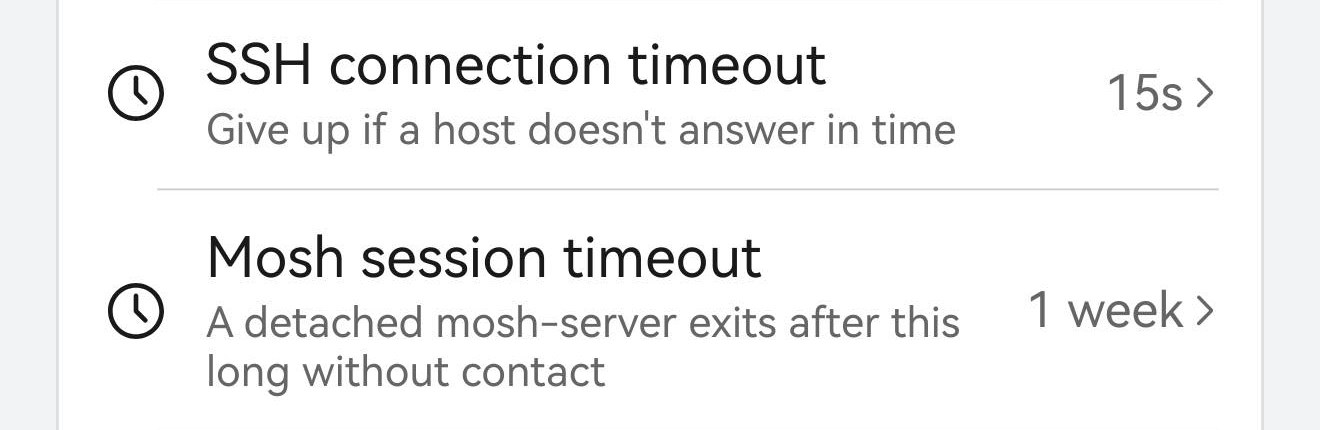
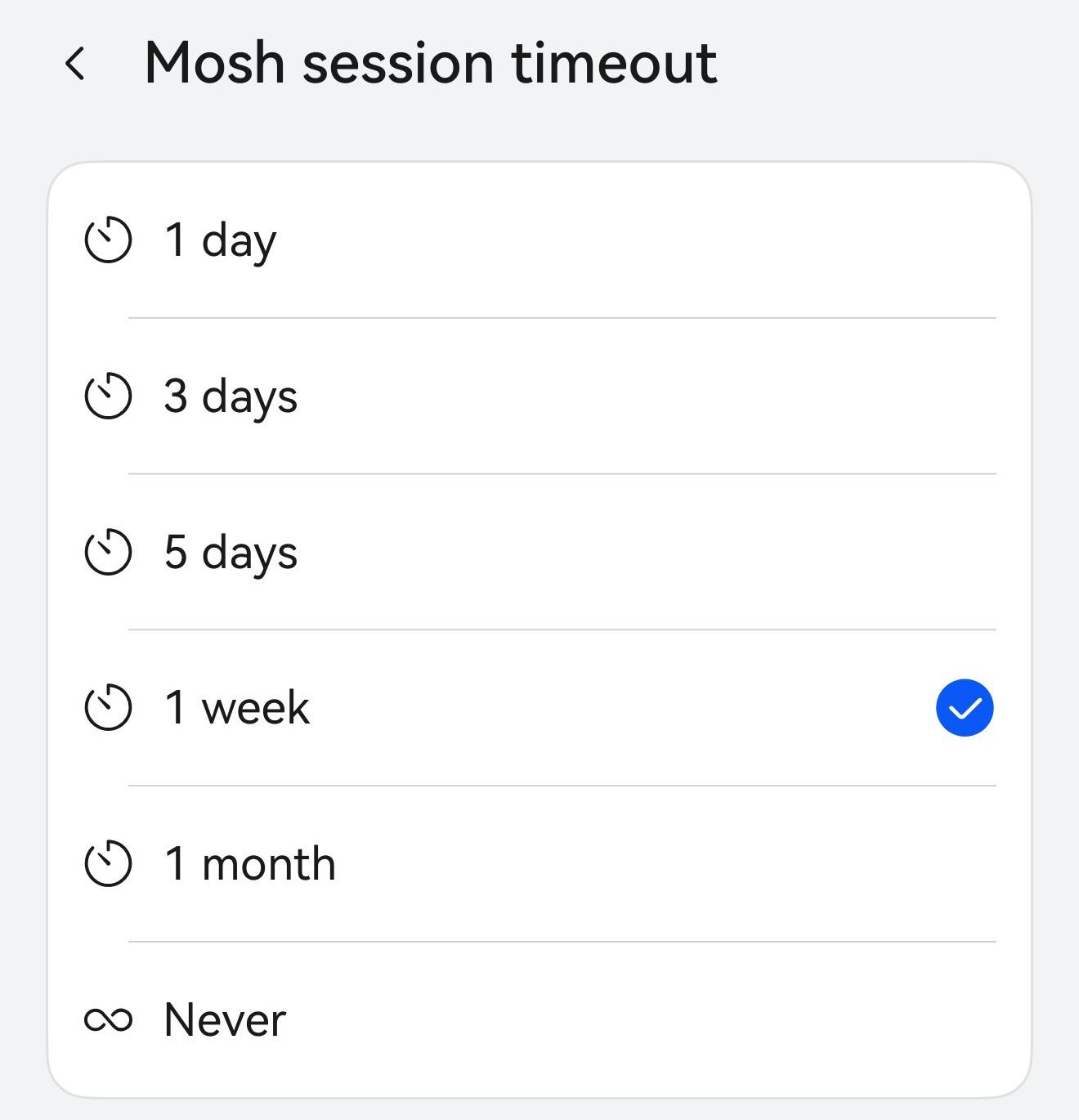
Settings → Terminal → Mosh session timeout sets that silence window: 1 day, 3 days, 5 days, 1 week (the default), 1 month, or Never. Term passes the value to the server as MOSH_SERVER_NETWORK_TMOUT, and the server exits on its own once it has gone that long without hearing from a client. Never is mosh’s original always-alive behaviour, if that is what you want. The setting applies to sessions opened after you change it.
Settings · Terminal — Mosh session timeout sits right under the SSH connection timeout, and the line beneath it is the whole rule: a detached mosh-server exits after this long without contact.Six choices, 1 week by default. Shorter keeps a shared host tidy; Never is what mosh does on its own — the server waits indefinitely.
The startup script runs before the shell
Over SSH a host’s Startup script is typed at the first prompt, the classic way. Over Mosh it is not typed at all: it is baked into the mosh-server launch as the mosh init script, and the server runs it before your shell starts.
That changes what a script can do, in three useful ways. It cannot race the login banner or an MOTD, because it never competes with the prompt. A one-line cd /srv/app or export EDITOR=vim persists into the shell you land in, instead of running in a shell that has already printed its prompt. And a script like tmux new -A -s main gives you a session that attaches itself on connect — mosh keeps the connection, tmux keeps the work.
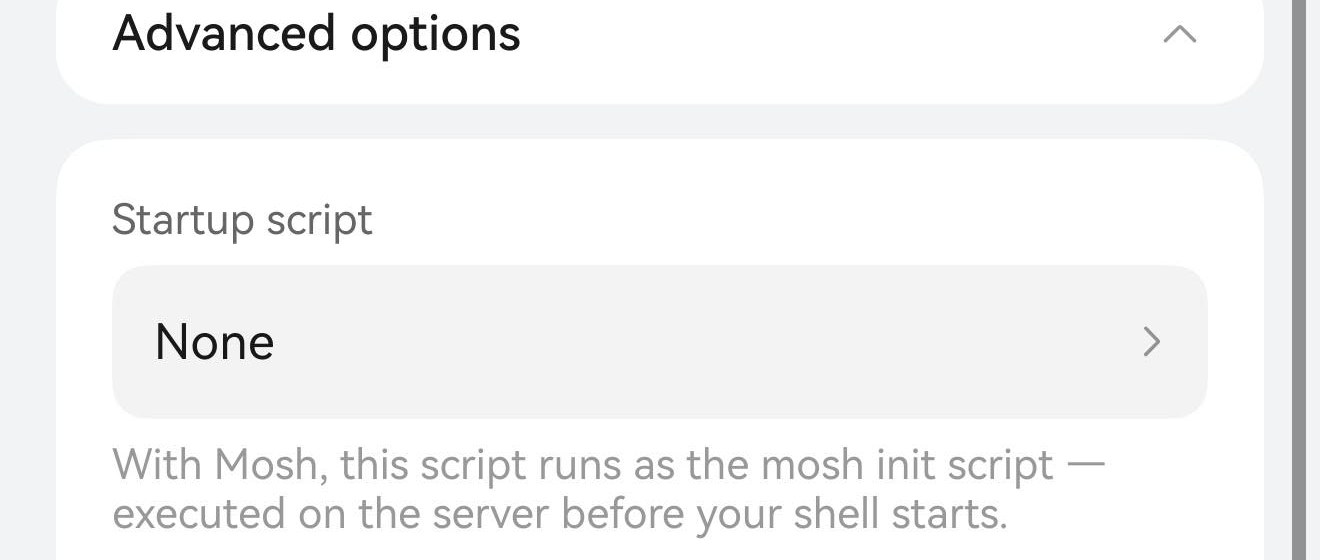
Advanced options · Startup script — with Mosh selected the app says it in place: this script runs as the mosh init script, executed on the server before your shell starts.
Light and dark still detect over mosh
Nothing to set here, but worth knowing. TUI programs work out whether they are on a light or a dark background by asking the terminal — an OSC 11 query — and mosh drops that query: its protocol carries a screen, not a byte stream, so the answer never comes back. In a plain mosh session vim and friends have to guess, and they guess wrong about half the time.
So Term tells the session up front instead: it exports COLORFGBG and COLORTERM=truecolor into the session’s environment, and programs that honour them pick the right background on their own. The value is captured when the session connects — switch the app between light and dark afterwards and only a session you reconnect gets the new one.
Checking it from the host
Both settings are visible from inside the session. pgrep shows the command line mosh-server was actually started with, -p and all; the timeout is in the environment, in seconds — 604800 is a week.
inside the mosh session
# the command line mosh-server was actually started with
pgrep -af mosh-server | tail -1

# the timeout Term asked the server for, in seconds
echo TM=[$MOSH_SERVER_NETWORK_TMOUT]
Both settings, confirmed on the host — mosh-server new -s -c 256 -p 60000:60010 … carries the range from the host editor, and TM=[604800] is the 1-week timeout in seconds.
![Two commands in a mosh session: pgrep prints mosh-server new -s -c 256 -p 60000:60010 -l LANG=en_US.UTF-8, and echo prints TM=[604800].](/mosh/mosh-verify.jpeg)