Why a mosh server of our own
Mosh is the best way to keep a terminal session on a phone. Walk out of Wi-Fi, lock the screen, ride the subway, and the session is still there when you look again. But the server half of mosh was written long before coding agents. Run Claude Code or Codex through it and things go subtly wrong: colours that do not match your screen, an agent that hesitates before it starts, a reply that flickers in half-drawn, a Shift+Enter that sends instead of starting a new line.
termosh is Term's own mosh server. It speaks the same language as mosh, so the session keeps everything mosh is good at, and it was built from the start to keep coding agents right.
Your theme, even when you change it
Coding agents pick their colours to suit your screen: dark text on a light background, light text on a dark one. They ask the terminal which one you are using. With ordinary mosh the answer is decided when you connect and never changes, so if you switch Term between light and dark mid-session, the agent keeps painting for the screen you had before.
With termosh, Term tells the server every time you switch, and the agent repaints in the new scheme straight away.
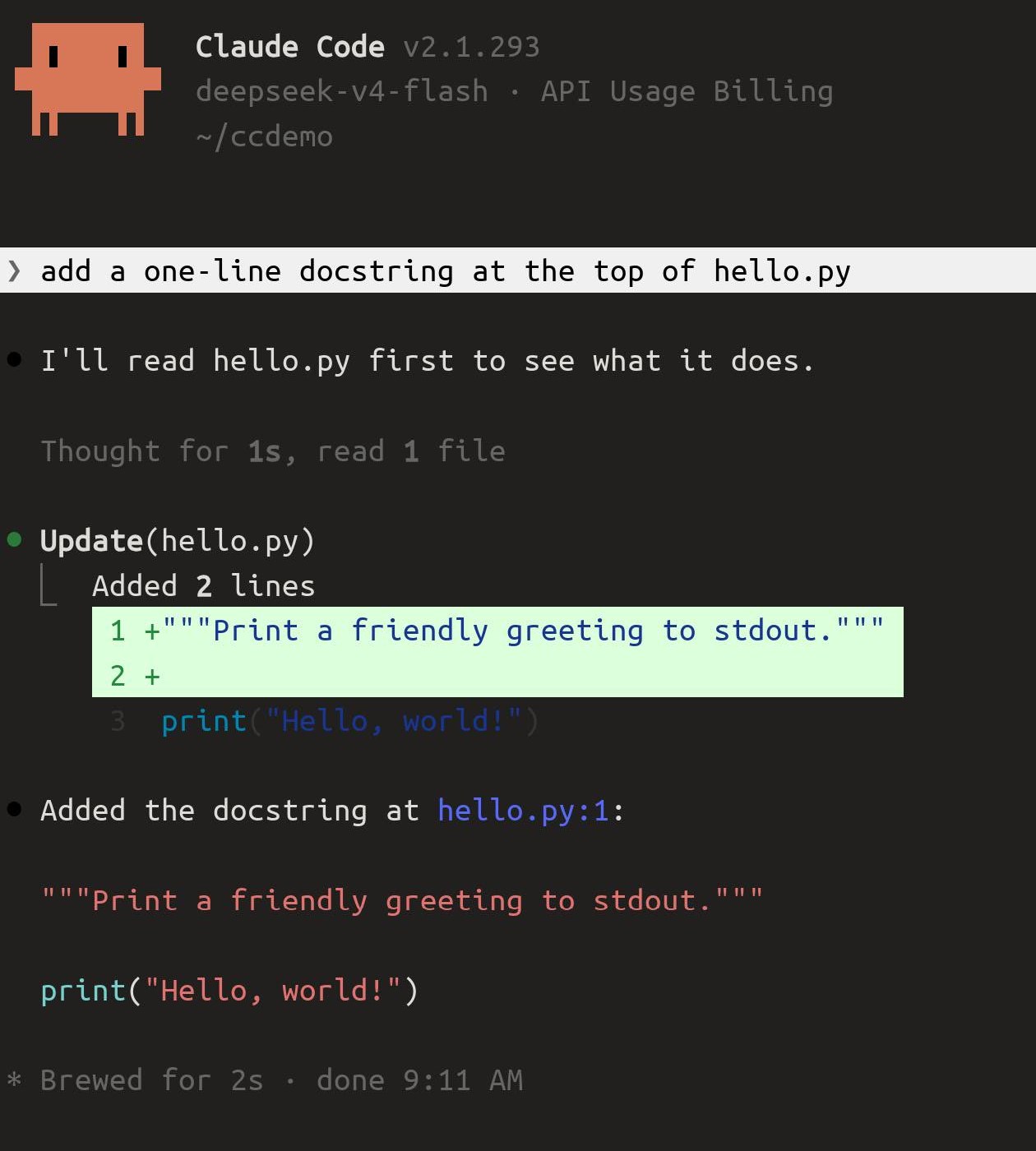
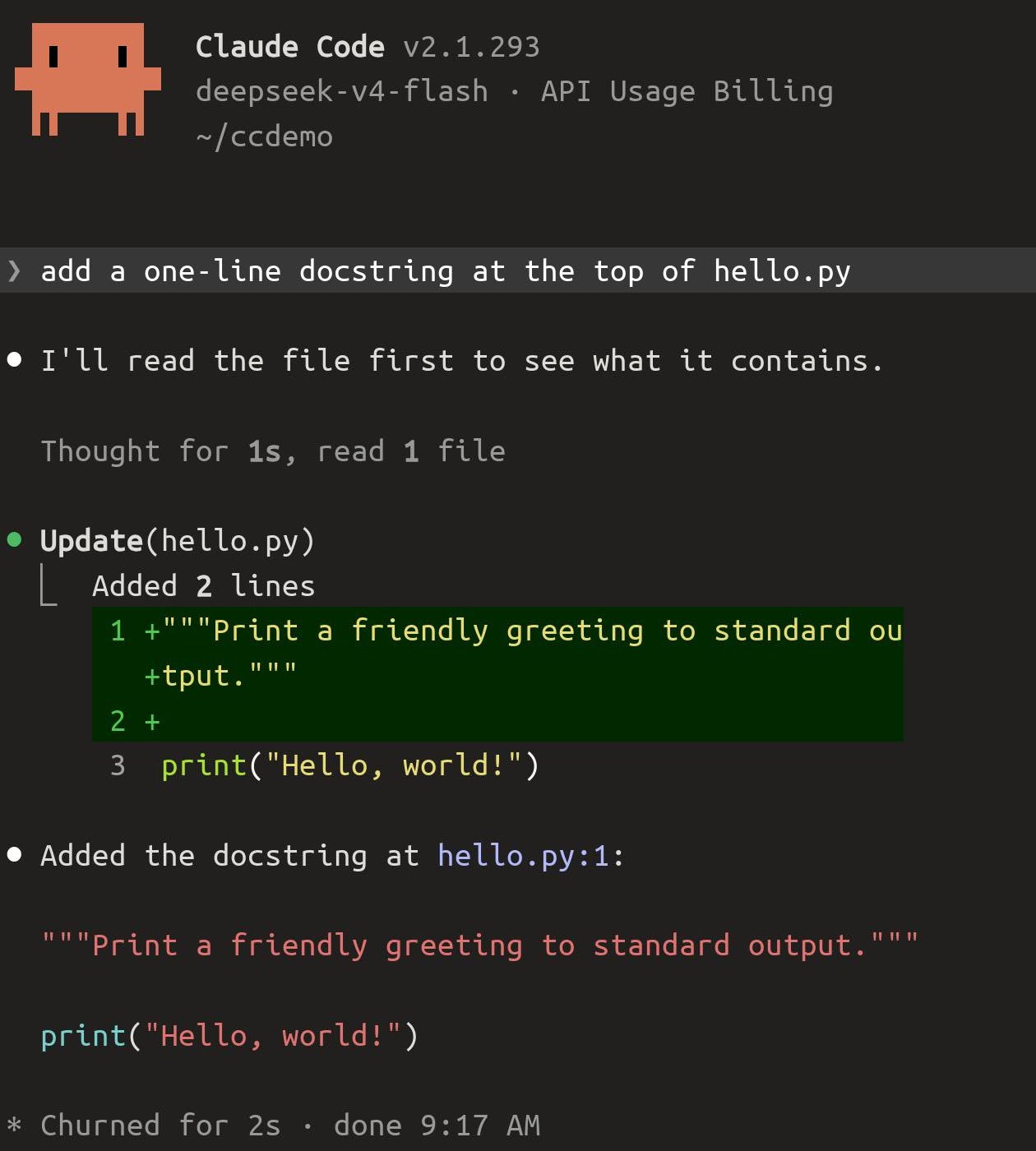
Agents start straight away
A coding agent asks the terminal a handful of questions as it starts: which terminal is this, is the background light or dark, which keyboard mode, can it draw a whole screen at once. Some give up after a fraction of a second. Ordinary mosh leaves them unanswered, so the agent waits, then starts with features switched off. termosh answers every one on the spot.
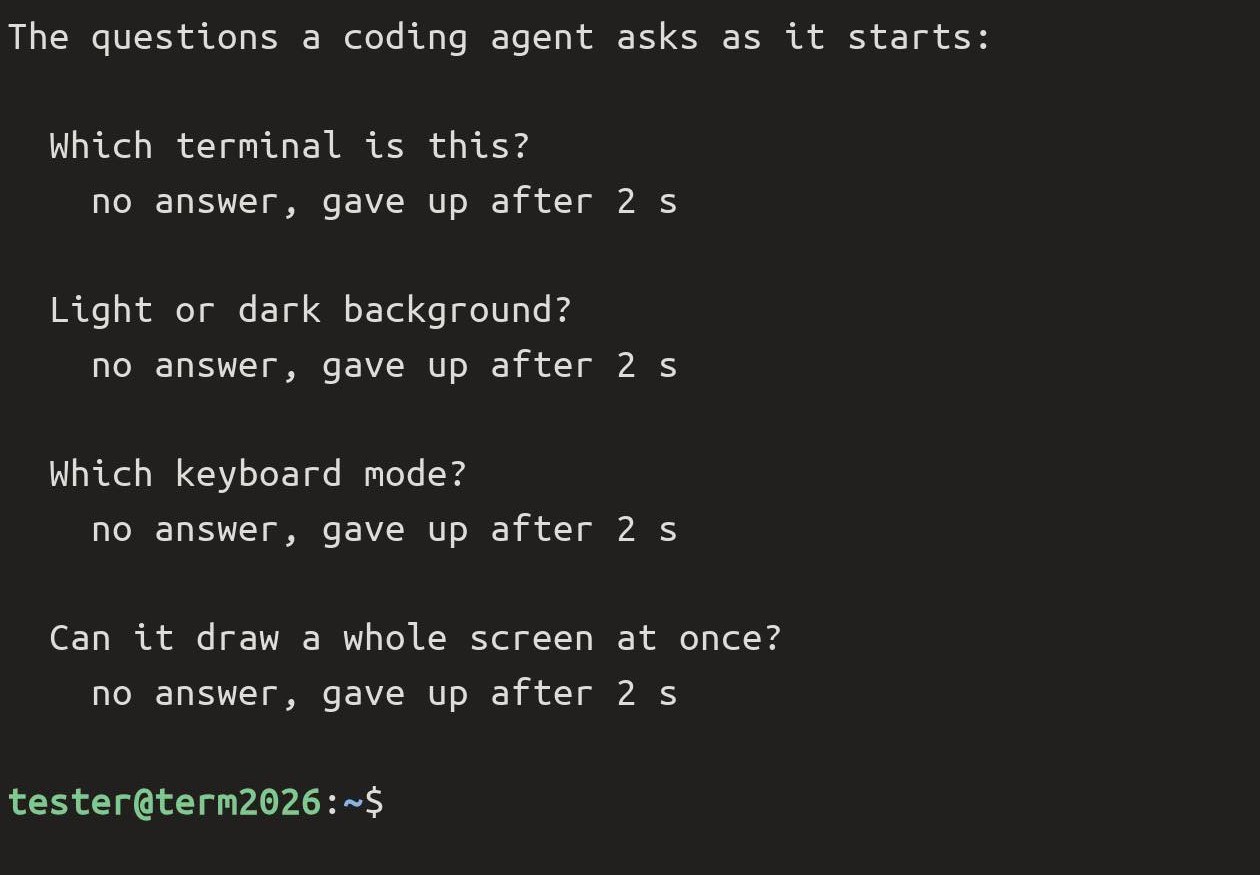
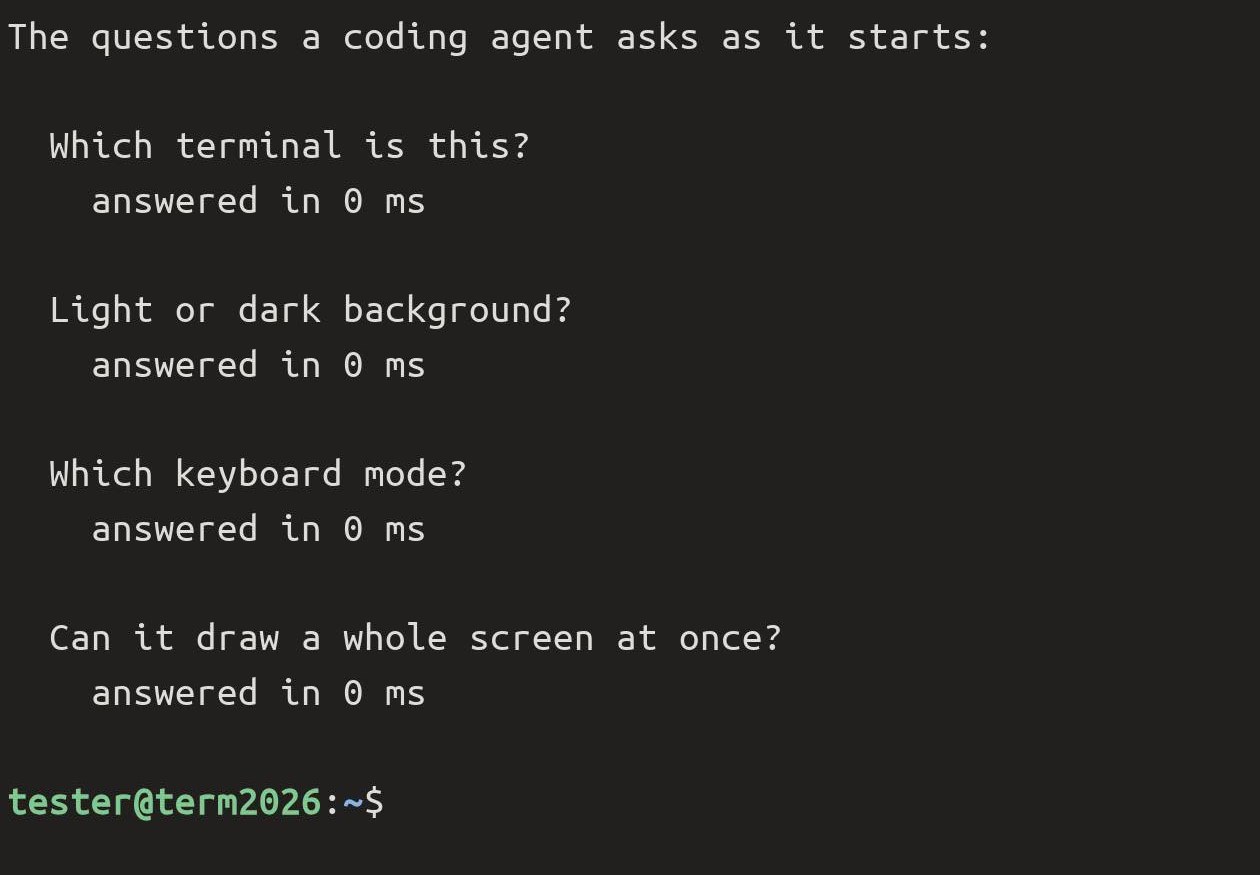
Replies redraw cleanly
That last question matters most while an agent is answering: it redraws the screen many times a second. termosh says yes, holds each picture until it is complete, and sends it whole, so you never see a half-drawn frame.
Shift+Enter starts a new line
In Claude Code's prompt, Shift+Enter adds a line instead of sending the message, the same as on a desktop.
Links you can tap
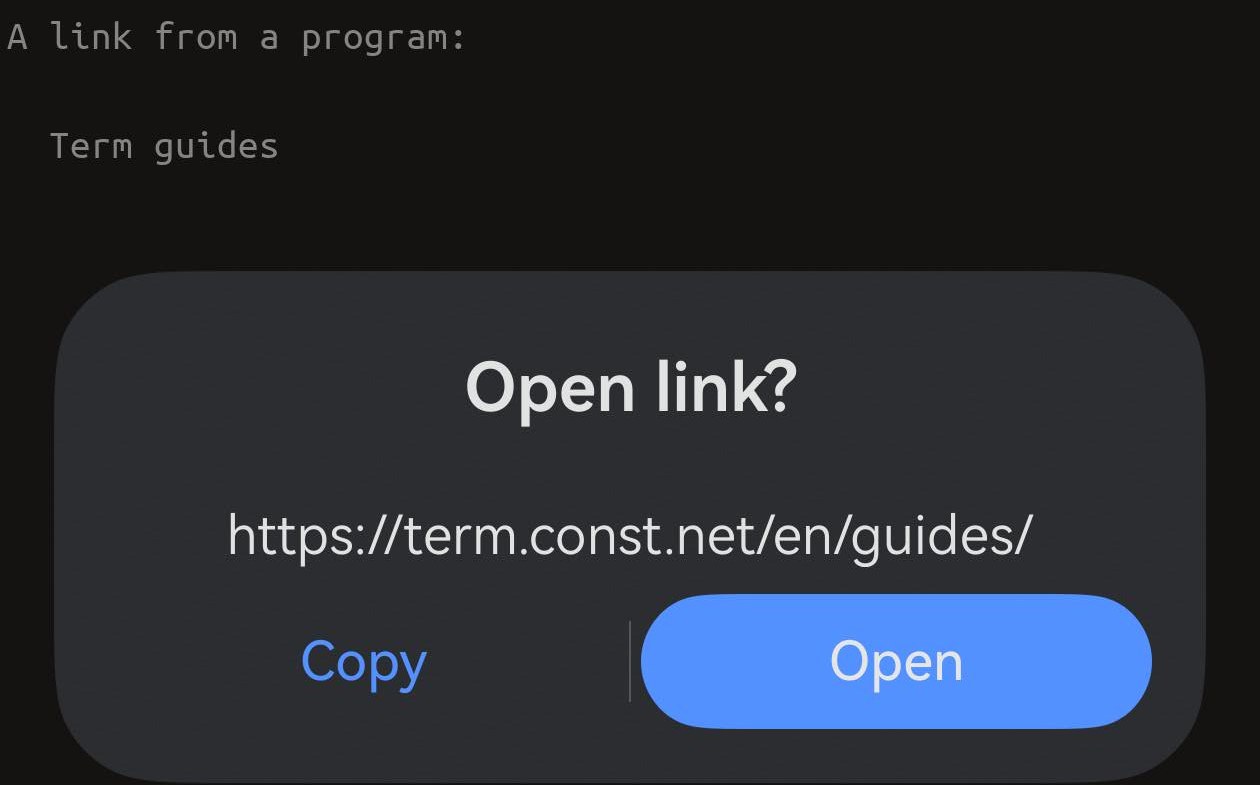
When a program prints a link, termosh passes it on, and a tap offers to open it. Over ordinary mosh the same words arrive as plain text.
Every underline style
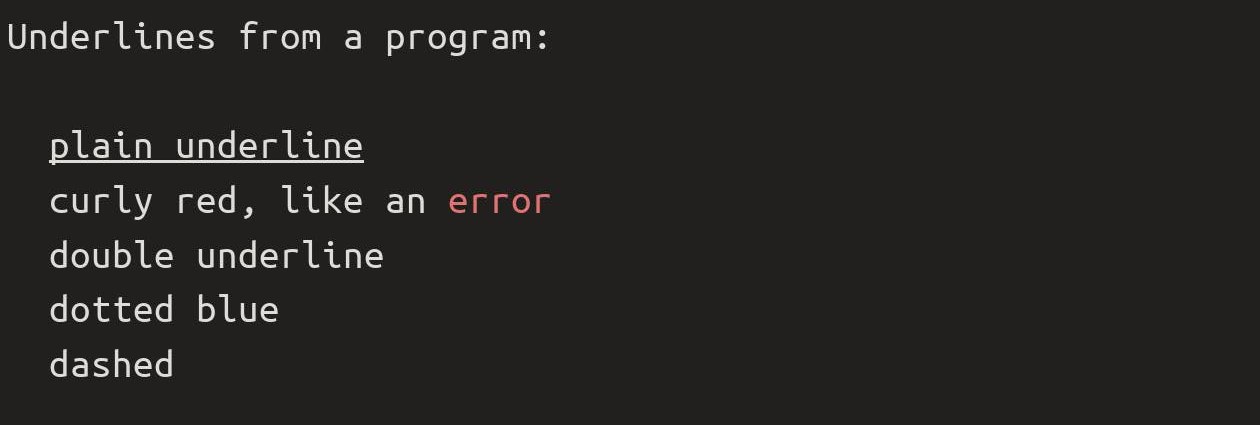
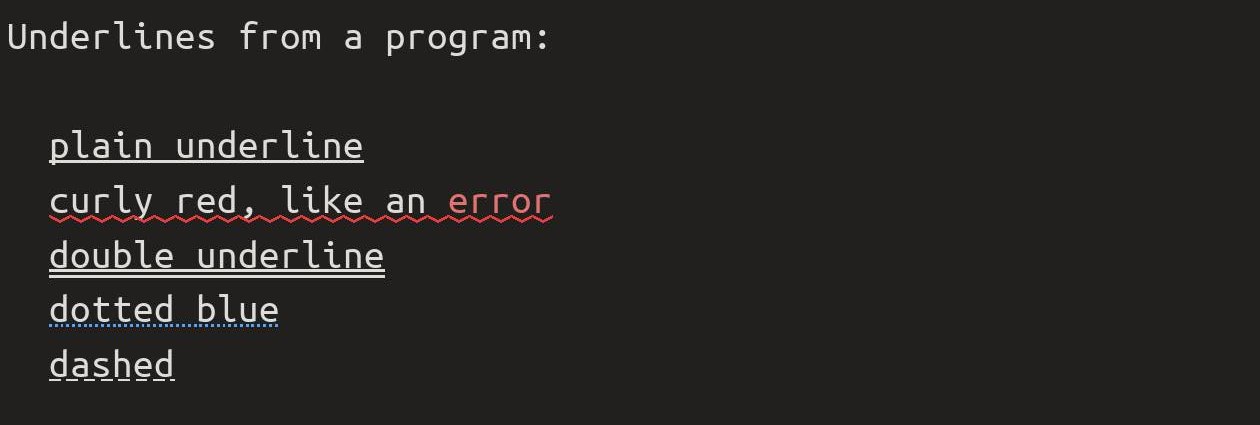
Agents and editors underline with meaning: a curly red line under an error, a dotted one under a hint. Ordinary mosh only knows the plain underline and drops the rest.
The cursor shape the program asks for
Editors and agents change the cursor to tell you what mode you are in: a thin bar while you type in vim, a block when you move around. Ordinary mosh ignores the request and keeps the block. termosh passes it on, and Term keeps it when you switch tabs and come back.


Long lines rewrap when you resize
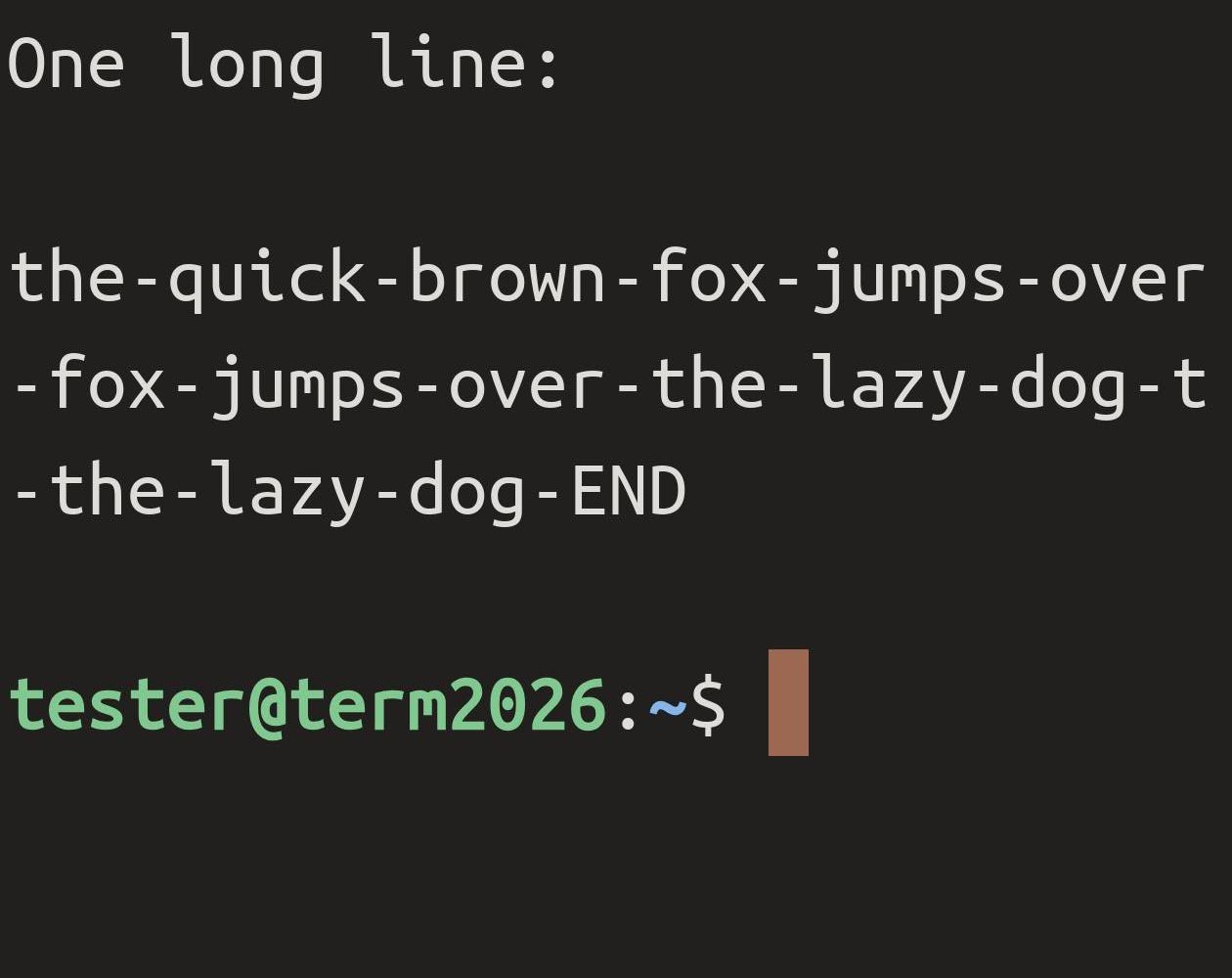
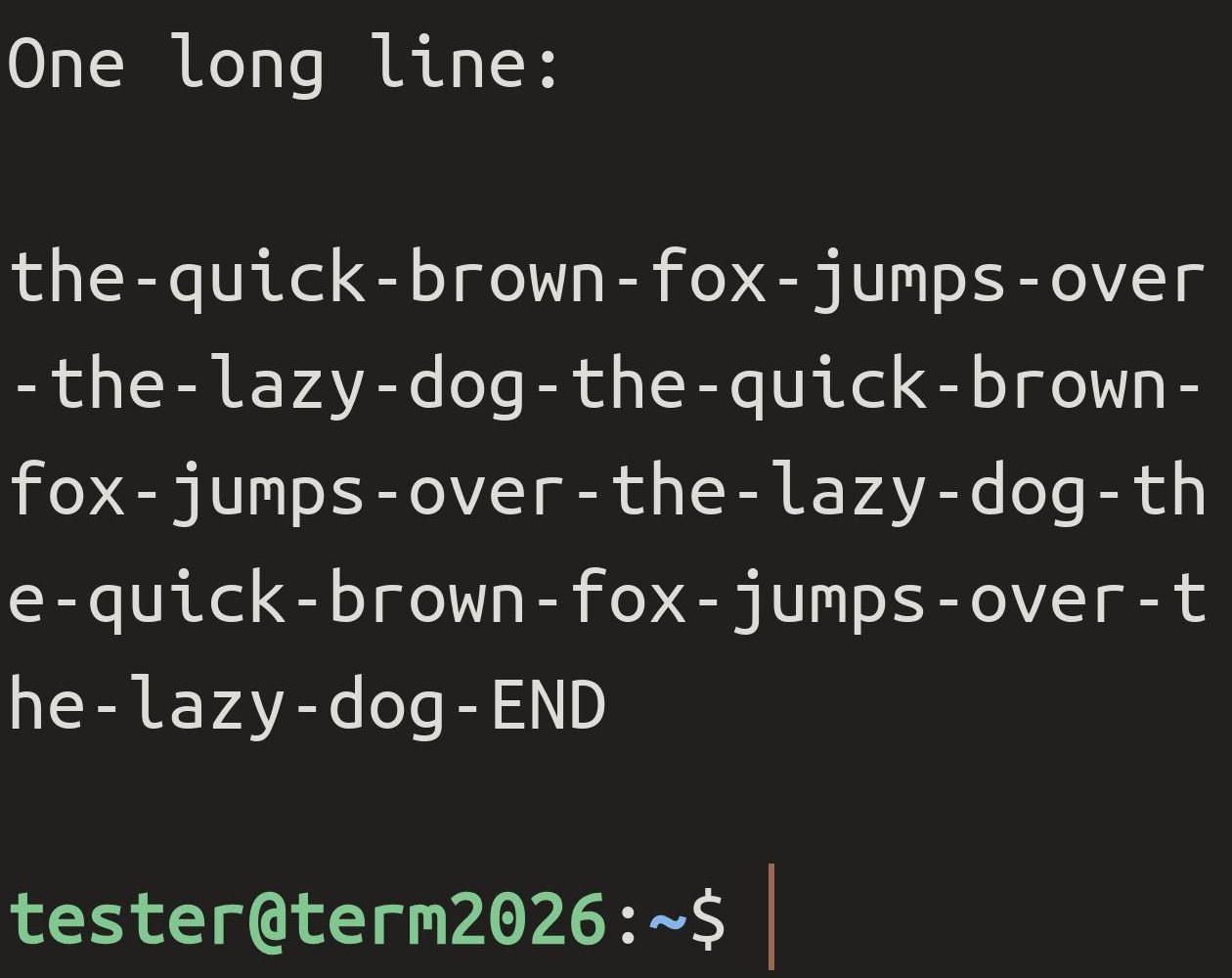
Rotate the phone or pinch to change the text size, and the screen gets narrower or wider. termosh rewraps long lines to fit. Ordinary mosh cuts them at the old edge, and the cut-off part is gone.
Copy from tmux reaches your phone
Text you copy inside tmux on the server lands on your phone's clipboard, ready to paste anywhere. Ordinary mosh drops tmux's copies on the way, unless you add a workaround to your tmux settings. Copying the same text twice works too.
Using tmux? By default tmux keeps links and the fancier underlines to itself, and ignores a copy made by a program running inside it. Two lines in ~/.tmux.conf let them through, then detach and attach again:
set -as terminal-features ',xterm*:hyperlinks:usstyle'
set -g set-clipboard on
Still mosh
Everything mosh does, termosh does: the session survives a network change, a locked screen and a weak signal, and typing still feels instant on a slow link. A host you leave on ordinary mosh-server works exactly as before.
A Term Pro feature
termosh is part of Term Pro. On a host still using ordinary mosh-server, Term's mosh keeps working as it always has.
It is about the agent, not the connection
termosh does not make a slow network faster than mosh does. What it changes is how faithfully your agent's screen arrives on your phone.
References: Customizing mosh · mosh.org