Why SSH needs the help
A phone is not a server. HarmonyOS suspends an app that stays in the background too long, and ends it outright under memory pressure — and the moment the process is frozen or gone, the TCP connection underneath an SSH session goes with it.
Mosh takes that in its stride, because a mosh session is something you can re-enter: the server half is still running and still holding your shell. SSH has nothing of the kind. A dropped SSH connection is simply gone — there is no session waiting on the far side, only a shell that got a hangup. So Term does not pretend to resume an SSH session. It reconnects, and lets a terminal multiplexer on the host hand your work back.
Which is why this is not a switch you can flip on its own: tmux or zellij is the part that actually kept your work running, and Term is the part that gets you back to it.
Switching it on
It is set per host and off by default, and the toggle only appears once that host can actually make use of it.
- Open Edit host and expand Advanced options.
- Set a Startup script that attaches a multiplexer —
tmux new -A -s mainis the usual choice. - An Auto-resume sessions toggle appears directly below the script field. Turn it on and save.
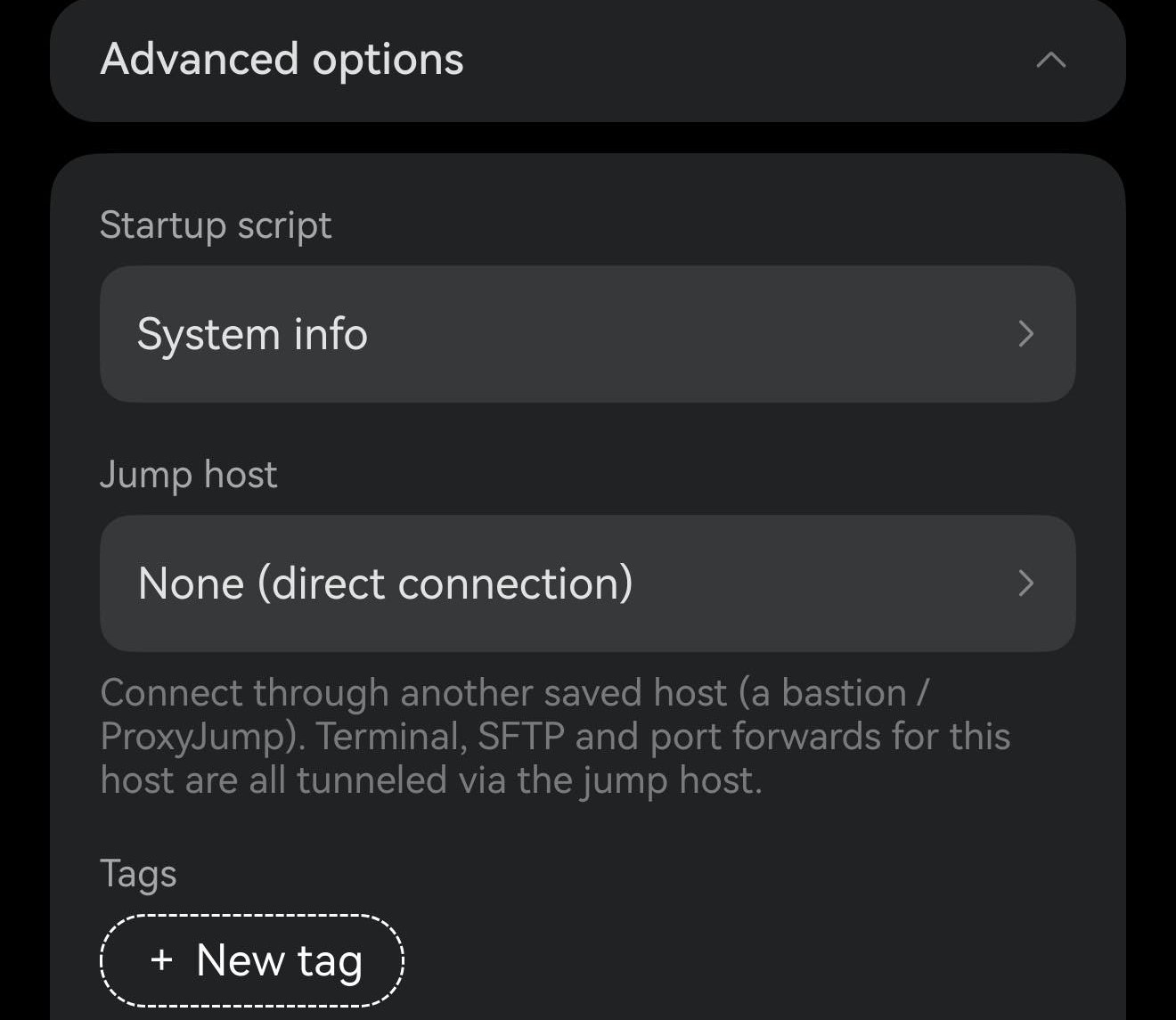
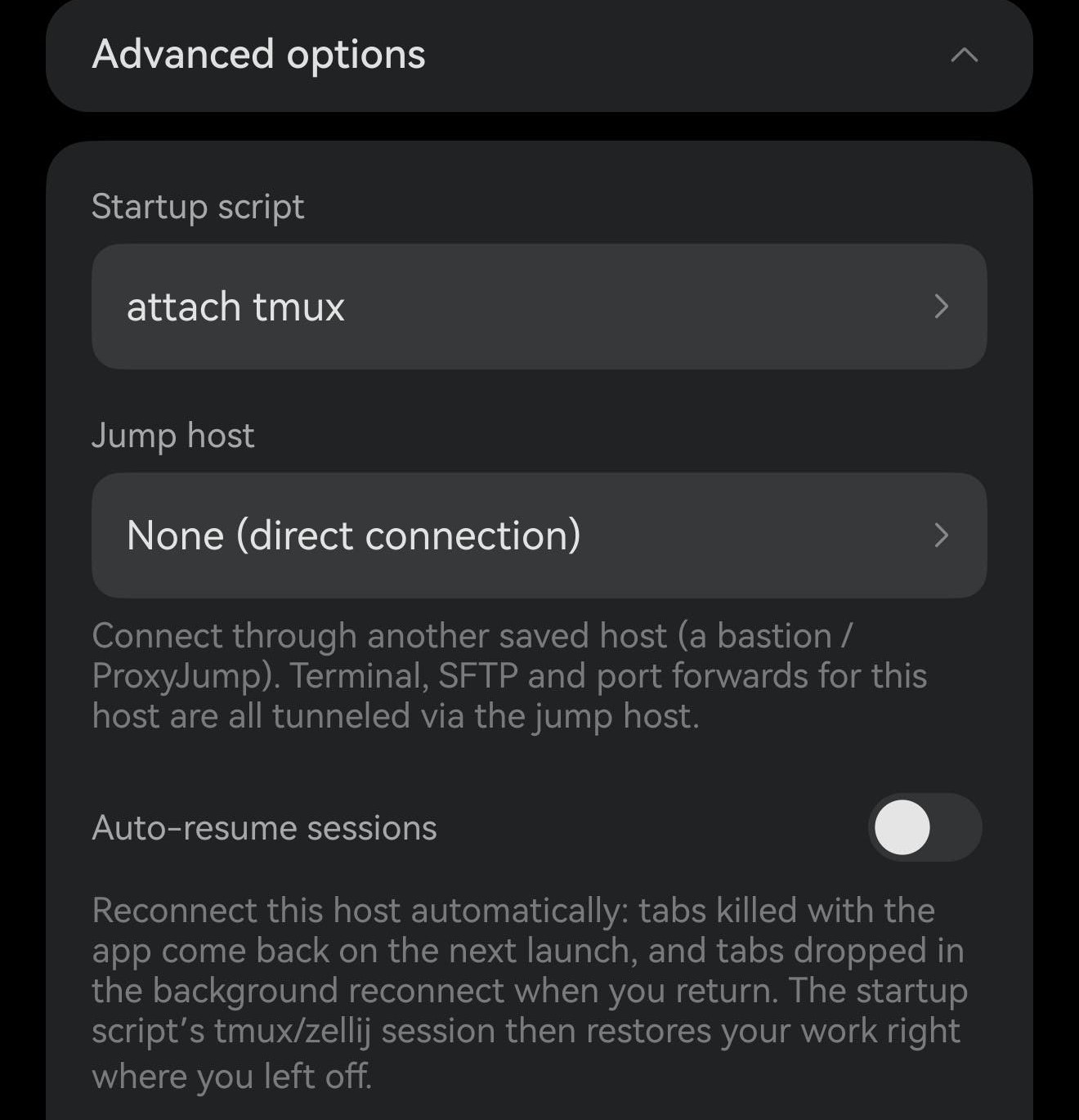
No qualifying script, no toggle. A script that only prints the system info — or no script at all — leaves nothing to come back to, so the row stays hidden rather than promising something it cannot deliver. It is SSH-only for the same reason: a mosh host already resumes the session itself, and telnet has no equivalent to offer.
# tmux — create the session, or attach if it already exists
tmux new -A -s main

# zellij
zellij attach -c main
After the app is killed
Force-closed, swiped out of recents, or crashed with auto-resume tabs open: the next launch opens them again. A small overlay counts them off while it works and closes itself when it is done — the same one mosh sessions use, because it is the same launch.
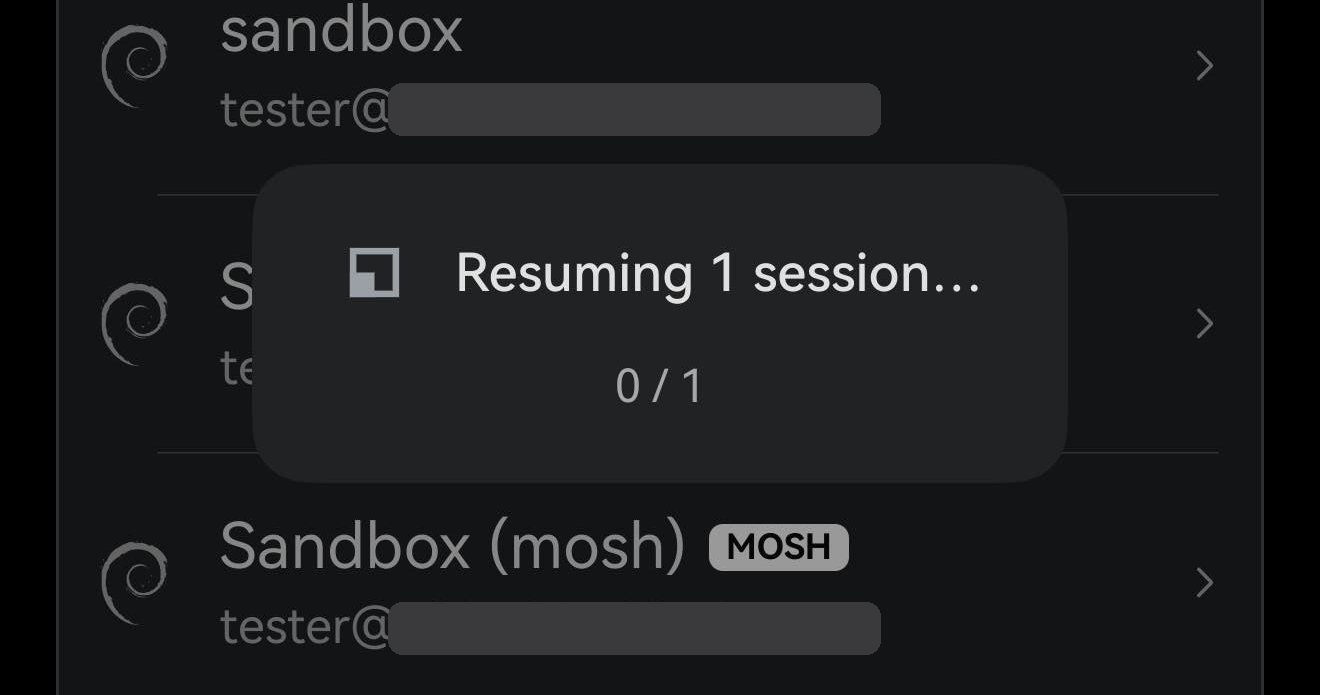
The pair below is that, on a real phone. The session had RESUME-MARKER-7317 on screen; the app was force-closed, and opened again two minutes later.
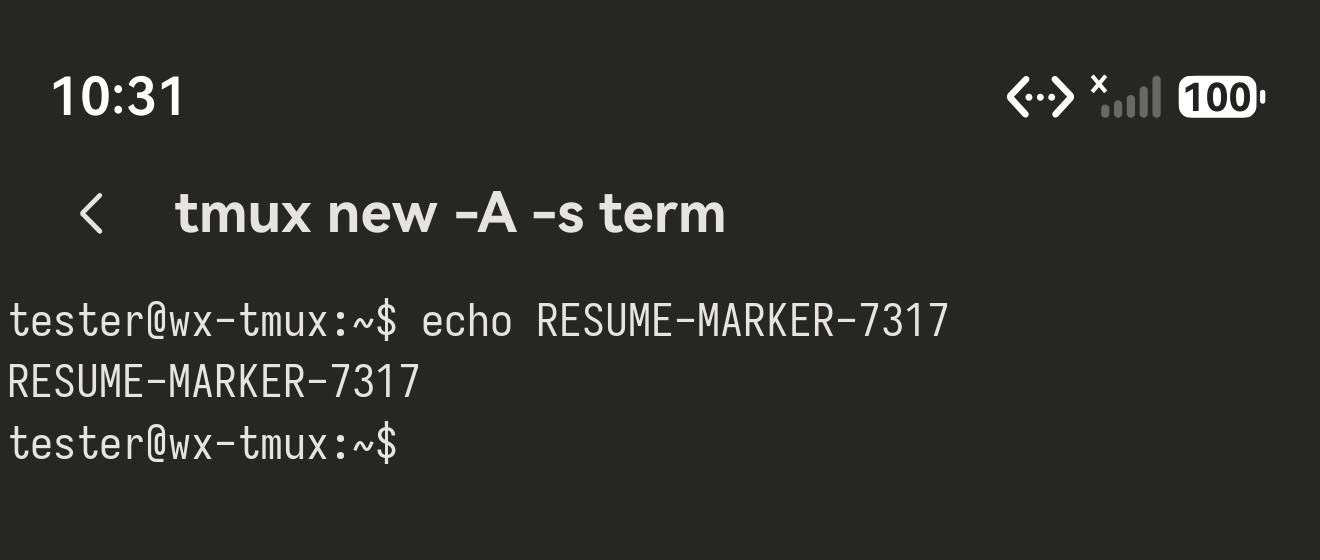
RESUME-MARKER-7317 printed. The app was force-closed straight after this.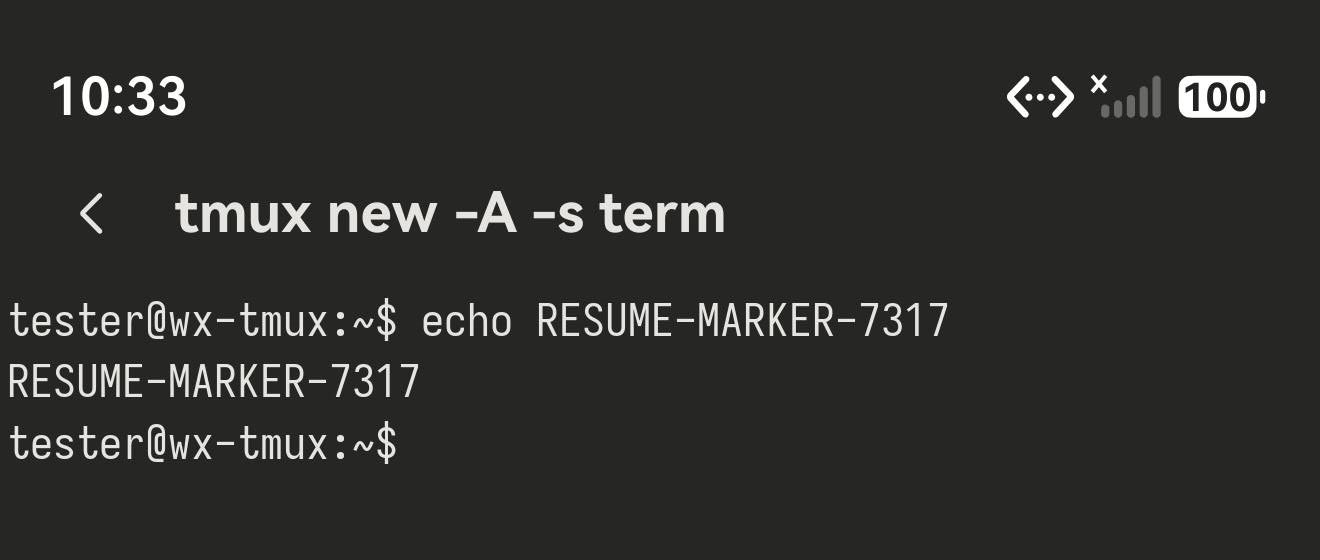
Coming back from the background
The other half is quieter, and you are meant not to notice it. Leave Term in the background long enough for the connection to die and the tab is dropped; switch back to the app and it reconnects by itself, usually within a couple of seconds.
It stays out of the way while it does: no focus taken from the tab you are looking at, and no retry loop — one attempt, then a cooldown. The manual Reconnect button is unchanged and still covers everything else, including hosts that never opted in.
Worth knowing
Logging out is respected
This only ever answers a connection that was taken from you. Run exit, or close the tab yourself, and the tab closes and stays closed — the next launch has nothing to bring back.
It restores the connection, not the terminal
Term reconnects and runs your startup script; everything you get back after that comes from tmux or zellij on the host. Point the script at a fixed session name — that is what the -A in tmux new -A -s main is for — so the second connection attaches to the first session instead of starting a new one beside it.
GNU screen does not qualify
A screen startup script deliberately does not bring the toggle up. screen mishandles what modern full-screen programs draw — truecolor, italics, busy TUI redraws all degrade — so the session it hands back often looks broken, and that reads as a failed resume rather than a screen limitation. Use tmux or zellij instead.
A mosh host does not need this
Mosh resumes the session itself — same shell, same running program, no multiplexer required — so the toggle is hidden on the mosh transport. If the server can run mosh-server, that is still the better answer; this is for the hosts where it cannot.
Related: Mosh sessions resume themselves · Using tmux from a phone