Start typing
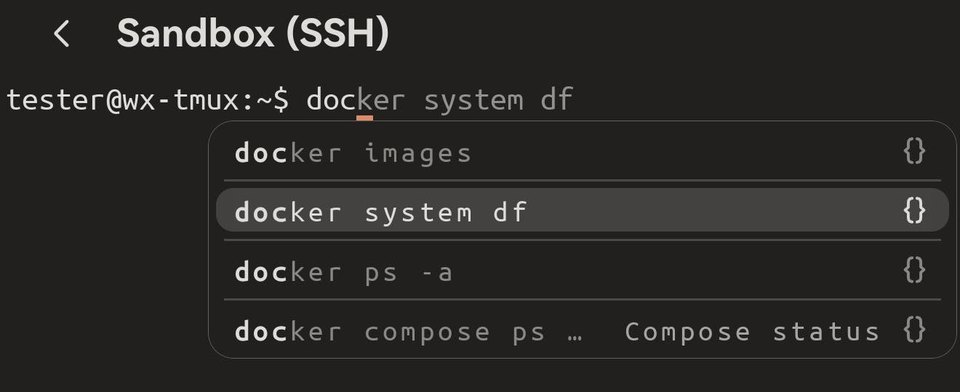
At your server's prompt, type the first letters of a command. Two things appear:
- Grey text after what you typed — the rest of the command Term thinks you want.
- A short list under the line — up to four commands that start the same way.
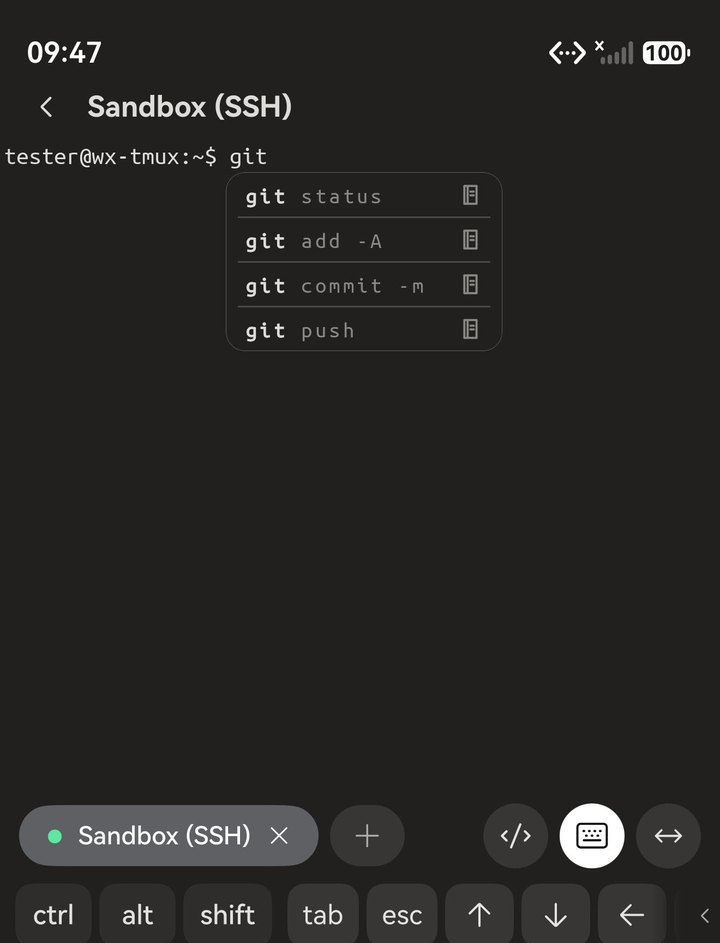
git, and the commands you reach for most are right there.Nothing ever runs by itself. A suggestion only fills in your command line; you still press Enter.
Where the suggestions come from
What you have run before. Commands you have used on this server come back first, so the long ones you type every week are a few letters away. If you allow it, Term also reads the server's own command history when you connect, so even a server you have just added in Term starts with your usual commands. That history stays on your phone.
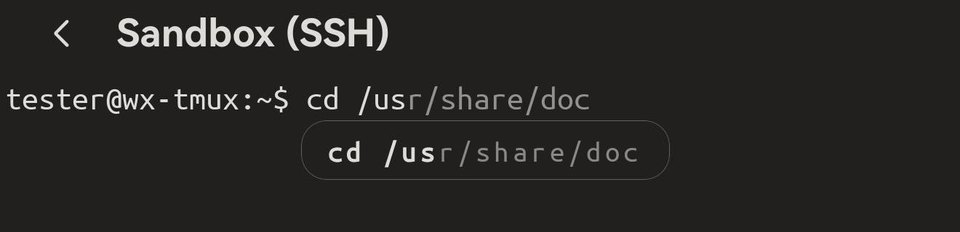
Your saved scripts. One-line scripts you saved in Term show up too, marked with { }. When a script's command is too long to fit, the list shows the name you gave it, so you can still tell which one it is.
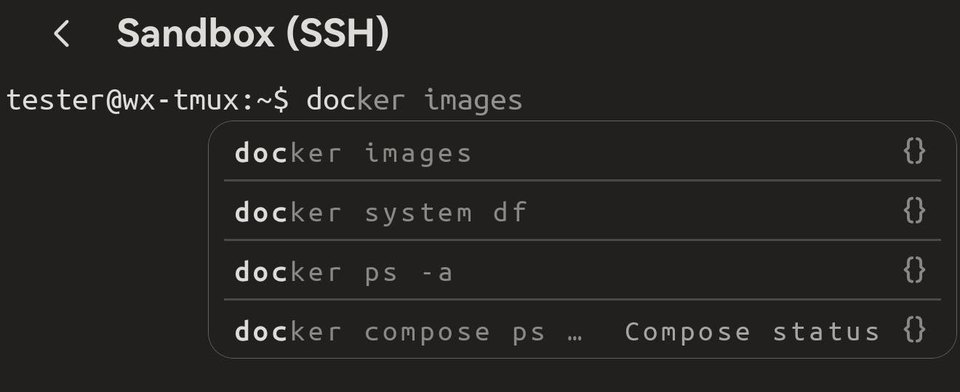
Everyday commands of popular tools. Type the name of a common tool — git, docker, systemctl, tar, apt, kubectl, curl and many more — and Term offers the forms people use most, marked with a small book. They come after your own history and scripts, never before.
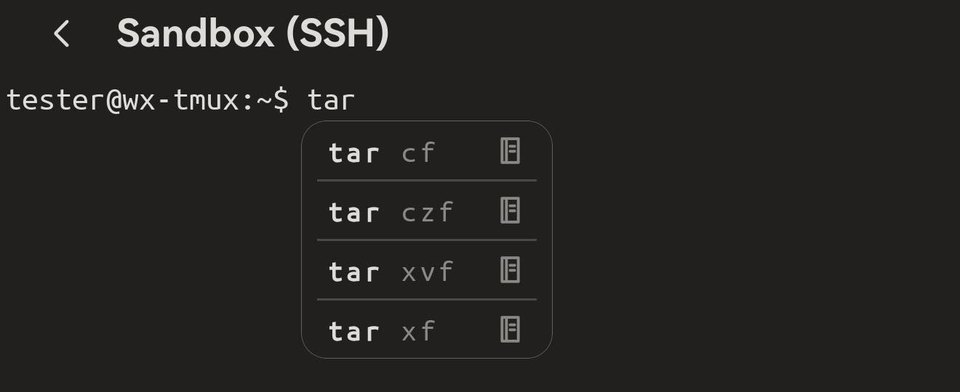
tar and the usual forms are listed.Choose one
On a phone: tap the row you want. It goes onto your command line, and you can still edit it before pressing Enter.
With a keyboard:
- → (or End) takes the grey text.
- Ctrl+→ takes just its next word, so you can stop part-way.
- ↓ moves into the list; ↑ ↓ move between rows, and the grey text follows the row you are on.
- Enter puts the highlighted row on your command line without running it. Press Enter again to run it.
- Esc closes the highlight.
Tab is still your shell's. Tab completes file and folder names the way it always has, even with a suggestion showing. It takes a suggestion only when you have picked a row with ↓ first.
Where it works
Suggestions appear at your server's command prompt — over SSH and mosh, and still after you switch user with su - or sudo -i on the same server. They stay out of the way inside programs such as vim, Python or a database client, and never appear when you are typing a password.
Turn parts on or off
In Settings → Terminal: Command suggestions switches the whole feature; Suggest common commands adds or removes the everyday commands of popular tools; Import server history decides whether Term reads the server's own history when you connect.
Your history stays on your phone
The commands Term remembers and imports are kept on this device, for the server you ran them on. Nothing is sent anywhere.