Hold, and a pad appears
Press and hold anywhere the screen is blank — not on a word — and a small four-arrow pad appears in the top-right corner. Keep your finger down and slide the way you want to go: up, down, left or right. The pad shows which arrow is going out.
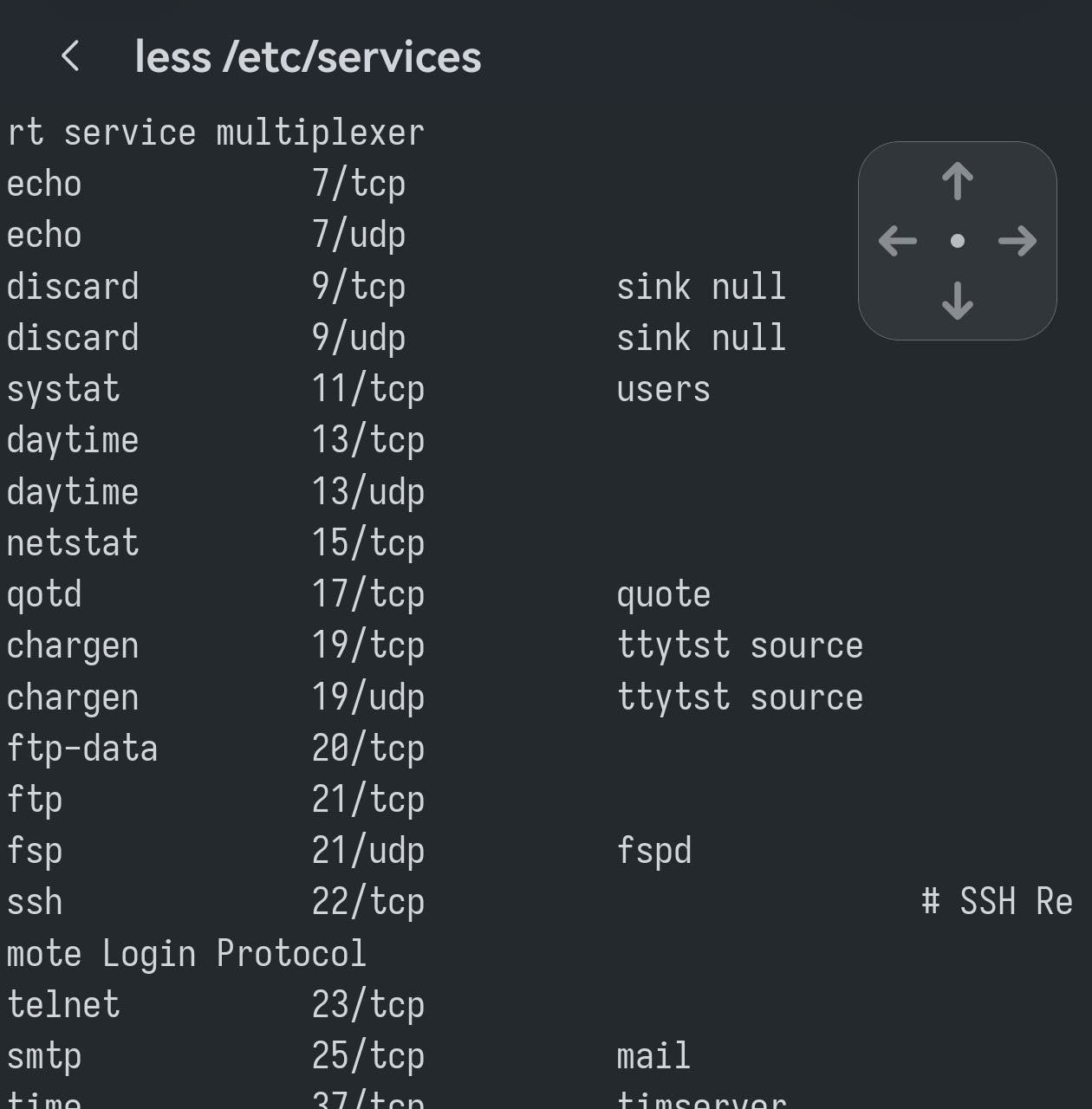
Lift your finger and it is over. The hold by itself sends nothing, so a long press you did not mean costs you nothing.
The middle sends nothing
When the pad appears your finger is in the middle, and the middle is a dead zone: a dot sits at the centre and nothing is being sent. Move a little and the arrow on that side lights up and starts.
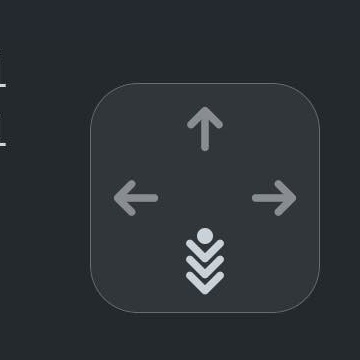
Push further to repeat faster, ease back toward the middle to slow down, and return to the centre to stop without lifting. Direction can change without letting go: slide from down round to right and the arrows follow.
Where it earns its keep
Anywhere a keyboard arrow would do, with no keyboard open:
- The last command. Hold, nudge up, and the shell walks back through its history.
- Reading something long.
less,man, a log file — scroll with down instead of swiping past the part you wanted. - Editors and menus.
vim, a text-mode menu, the list a switch or a router puts up over telnet. - Inside tmux. It works in programs that track the mouse too, so a tmux or zellij session is not somewhere the pad stops working.
It does not get in the way of selecting text
Long-pressing on a word still selects that word, with the handles and the Copy pill. The pad is what you get when there is no word under your finger — the empty space to the right of a short line, or the blank area below a prompt.
If a pad turns up when you meant to select, lift and press again on the text itself; if you get a selection when you wanted arrows, aim at an empty part of the line.